91
7
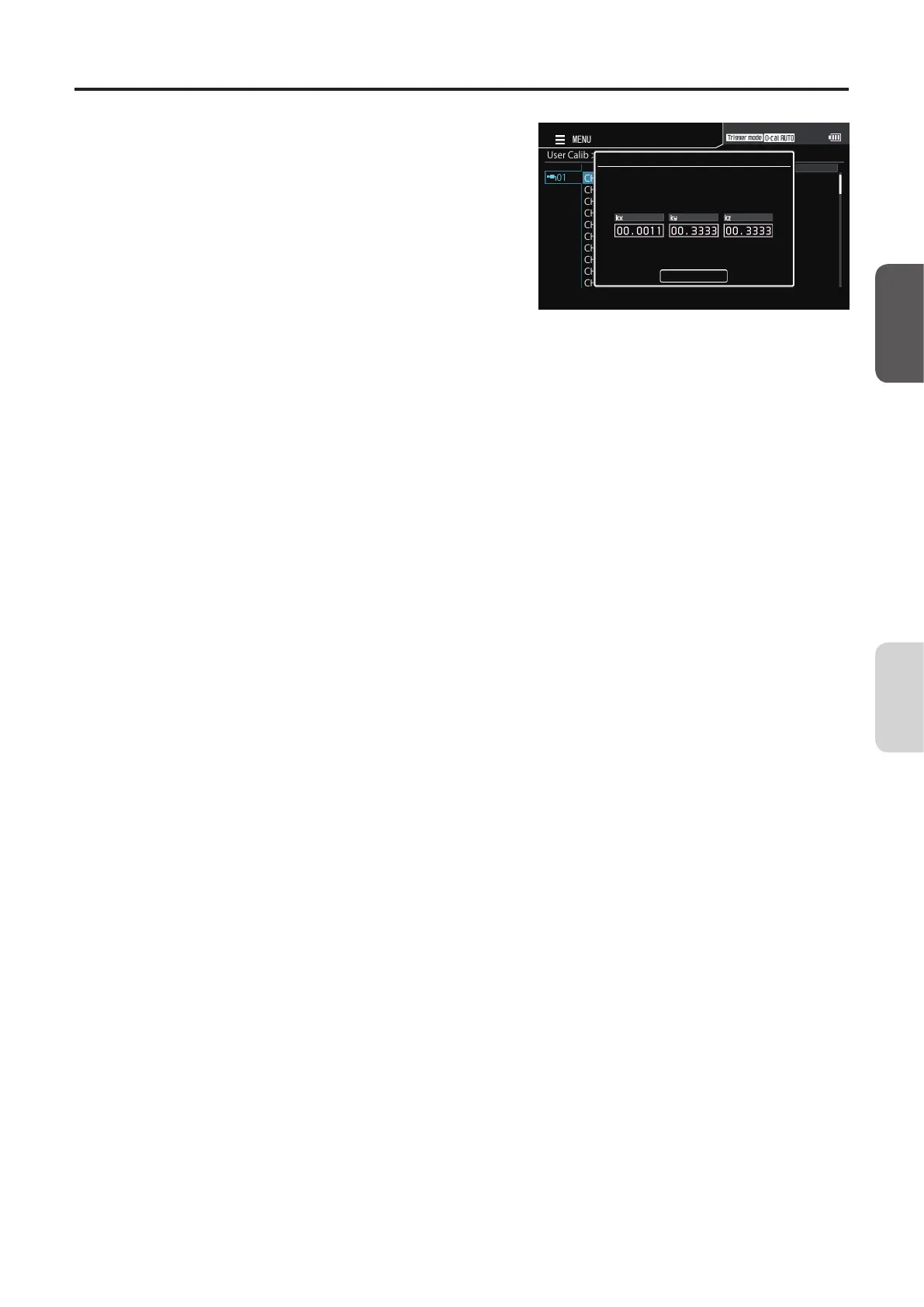
Press the [UP] or [DOWN] key and the
[RIGHT]/[LEFT] key to set values, and
then press the [ENTER] key.
UserCalib>EditCorrectionCoef>SelectCH
CH00
CH01
CH02
CH03
CH04
CH05
CH06
CH07
CH08
CH09
01
MENU
CorrectionCoef
EditValue
ToconfirmbypressingtheENTERbutton
inthe“Complete”
Complete
8
Move to [Complete] on the confirmation
screen and press the [ENTER] key to
return to the menu screen.
(The correction coecient can be set to between
0.00001 to 9999999. If the entered value is out of
the available setting range, the screen returns to the
value entry screen. Enter another value.)
9
Press the [ESC] key.
The measurement screen is displayed on the LCD
screen.
The specified values will be kept even if the POWER
switch is set to OFF ().
CA-DP40
Calibration/
Settings














 To Next Page