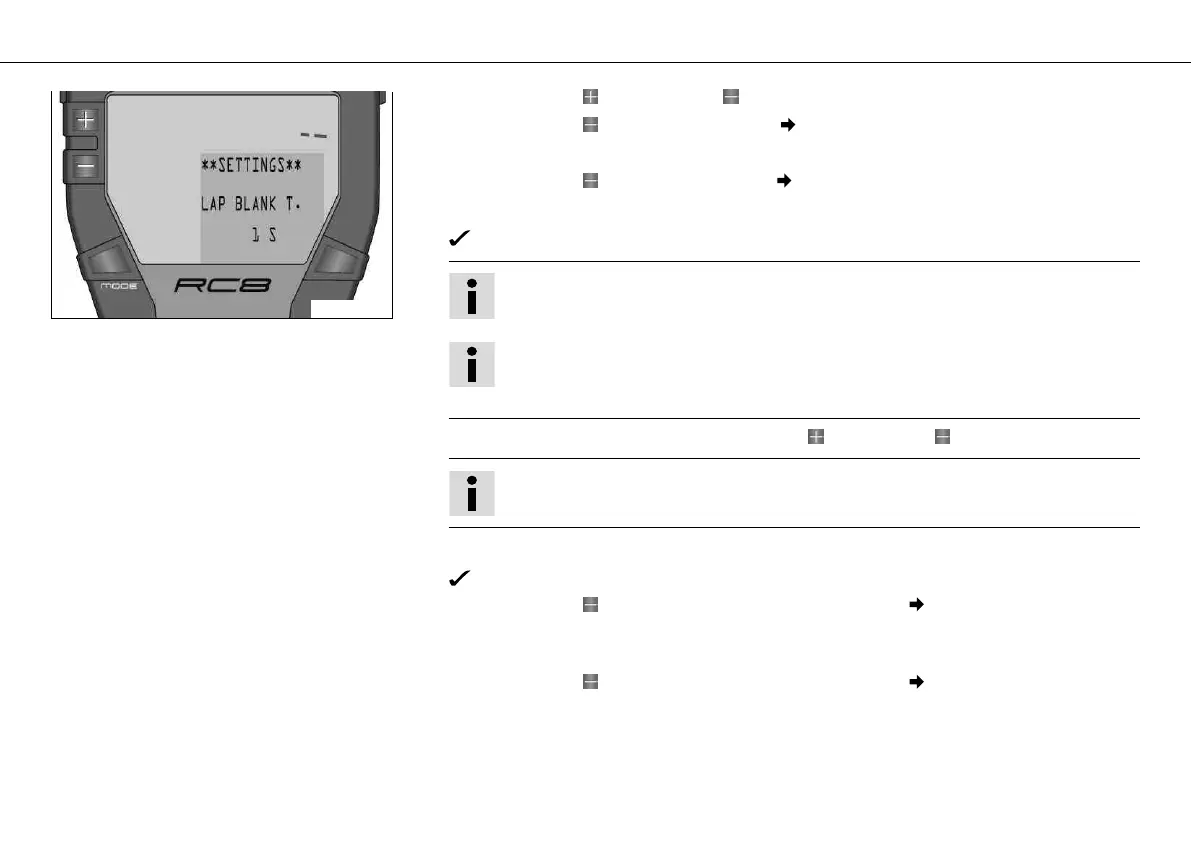
OPERATING ELEMENTS 66
400461-01
– Press the button and the button for 3 - 5 seconds.
– Press the button twice until the symbol is on SETTINGS in the info display.
– Press the MODE button briefly.
– Press the button once until the symbol is on LAP BLANK T in the info display.
– Press the MODE button briefly.
LAP BLANK T. appears in the info display.
Info
At delivery, LAP BLANK T. is set to 1 second.
Tip
With LAP BLANK T., you can prevent the lap from being timed too short. This may
happen if you accidentally press the LAP button twice in a row.
– Set the blank time of the LAP button with the button or the button.
Info
LAP BLANK T. can be set between 1 and 200.
– Press the MODE button briefly.
The settings are stored and the display changes to the SETTINGS menu.
– Press the button briefly and repeatedly until the symbol is on BACK... in the info
display.
– Press the MODE button briefly.
– Press the button briefly and repeatedly until the symbol is on EXIT SETUP in the
info display.
– Press the MODE button briefly.













 To Next Page