OPERATING ELEMENTS 71
400466-01
– Press the button and the button for 3 - 5 seconds.
– Press the button four times until the symbol is on OPTIONS in the info display.
– Press the MODE button briefly.
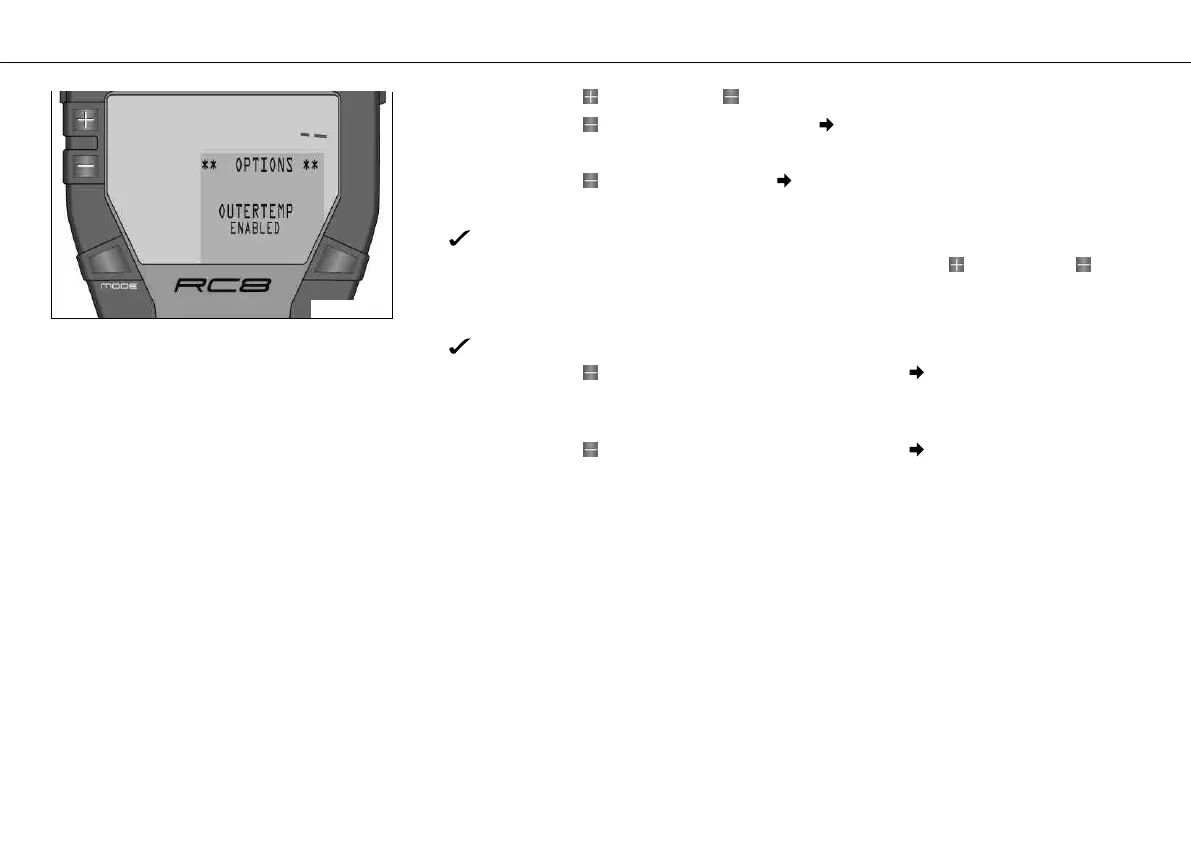
– Press the button once until the symbol is on OPTION OUTTEMP in the info display.
– Press the MODE button briefly.
You see ENABLED or DISABLED in the info display.
– You can switch the external temperature display on/off with the button or the but-
ton.
– Press the MODE button briefly.
The settings are stored and the display changes to the OPTIONS menu.
– Press the button briefly and repeatedly until the symbol is on BACK... in the info
display.
– Press the MODE button briefly.
– Press the button briefly and repeatedly until the symbol is on EXIT SETUP in the
info display.
– Press the MODE button briefly.













 To Next Page