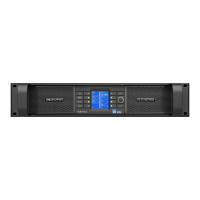
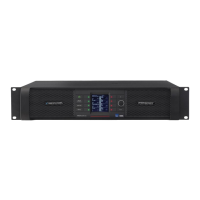
Front Panel Interface
33
PLM Series Operation Manual rev 1.1.9
7.4 Mute Enable Button
The dynamic function buttons to the immediate left and right of the LCD are used as MUTE buttons only
when the MUTE ENABLE button is activated (ashing).
When MUTE ENABLE is activated, the two central buttons on the left act as Module mute controls, and the
four buttons on the right enable muting/unmuting of the power output channels.
In Meter Mode > Home View with MUTE ENABLE activated, text on the LCD adjacent to each button
indicates when a Module input or power output has been muted. Meter Mode must be selected for
MUTE ENABLE to be activated; MUTE ENABLE is not available in Menu Mode.
To exit MUTE ENABLE mode, press the ashing MUTE ENABLE button. If no mute activity occurs for two
minutes, MUTE ENABLE mode will automatically be disabled.
7.5 Meter Button
The front panel display has two main operating modes, Meter Mode (default) and Menu Mode. In normal
operation, the display will be in Meter Mode.
There are four views available in Meter Mode: Home View (default), Module View, Temperature View and
Input View. Pressing the METER button
toggles between these views. Pressing the METER button
when in Menu Mode will return the system to Meter Mode, with the Home View displayed. Please refer to
section 7.10 for further information.
7.6 Menu Button
Menu Mode is selected by pressing the MENU button . The screen displays the top level menu with
various submenu options. Press the button adjacent to the required submenu to select it.
Pressing the MENU button while in Menu Mode will display the previous menu level.
Menu Mode is used for processor conguration, or for editing a parameter. Please refer to section 7.11 for
further details.
7.7 Exit Button
In Menu Mode, pressing the EXIT button returns back one menu level. In Meter Mode, pressing EXIT
returns the display to the Home View.



 To Next Page
 Loading...