34
Front Panel Interface
PLM Series Operation Manual rev 1.1.9
7.8 Dynamic Buttons, Controls and LEDs
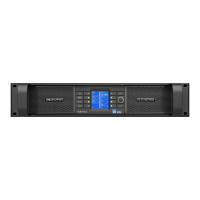
Figure 7-3: LCD with Dynamic Buttons, Controls and LEDs
7.8.1 Communication LED
This bright white LED signies selection in the Lake Controller, or Controller communication providing visual
conrmation of:
1. Network communication between the Lake Controller and the Lake Processor (Flashing LED).
2. Selection of the Lake Processor in the Lake Controller software (Steady LED).
The Communication LED can be dimmed via the
front panel by selecting Frame menu, and then
Front - Dimming.
7.8.2 Frame Faults and Warnings LED
This bi-color LED turns red to indicate a Frame fault and turns yellow to indicate a Frame warning. Additional
clarication of the fault or warning is displayed in the LCD. All mute, fault and warning states displayed on
the front panel are summarized in section 7.9.
Additional faults and warnings are reported in the Event Log of the Lake Controller only. All faults and
warnings recorded in the Event Log are listed in section 9.1 along with scenarios that may have arisen to
cause them.



 To Next Page
 Loading...