LaCie 5big network Setting Up Your LaCie 5big network
User Manual page 12
Unlike regular desktop hard drives, the 5big network is acces-
sible when attached to your network and does not need to con-
nect directly to your computer.
Turn the drive on. See
1. 2.1. Turning on the 5big.
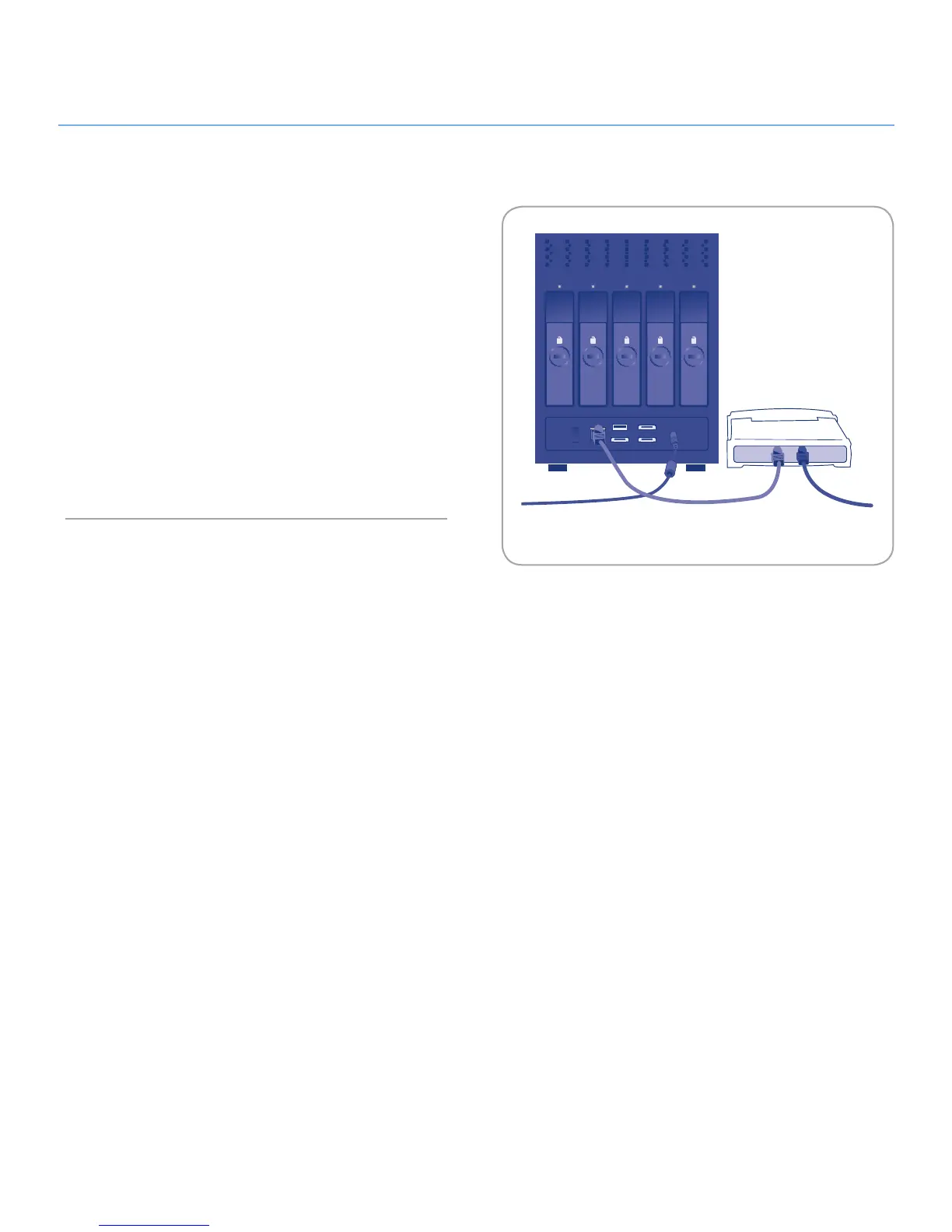
Connect the Ethernet cable to the Ethernet port on the back
2.
of the LaCie 5big network.
Connect the other end of the Ethernet cable into an available
3.
Ethernet port on your router. Allow a few moments for your
network to recognize the drive (it may take up to 3 minutes
on some networks).
Now move on to step 3, Connecting Using LaCie Network As-
sistant.













 To Next Page