LaCie 5big network Administering Your LaCie 5big network
User Manual page 28
Adding Users4.2.1.
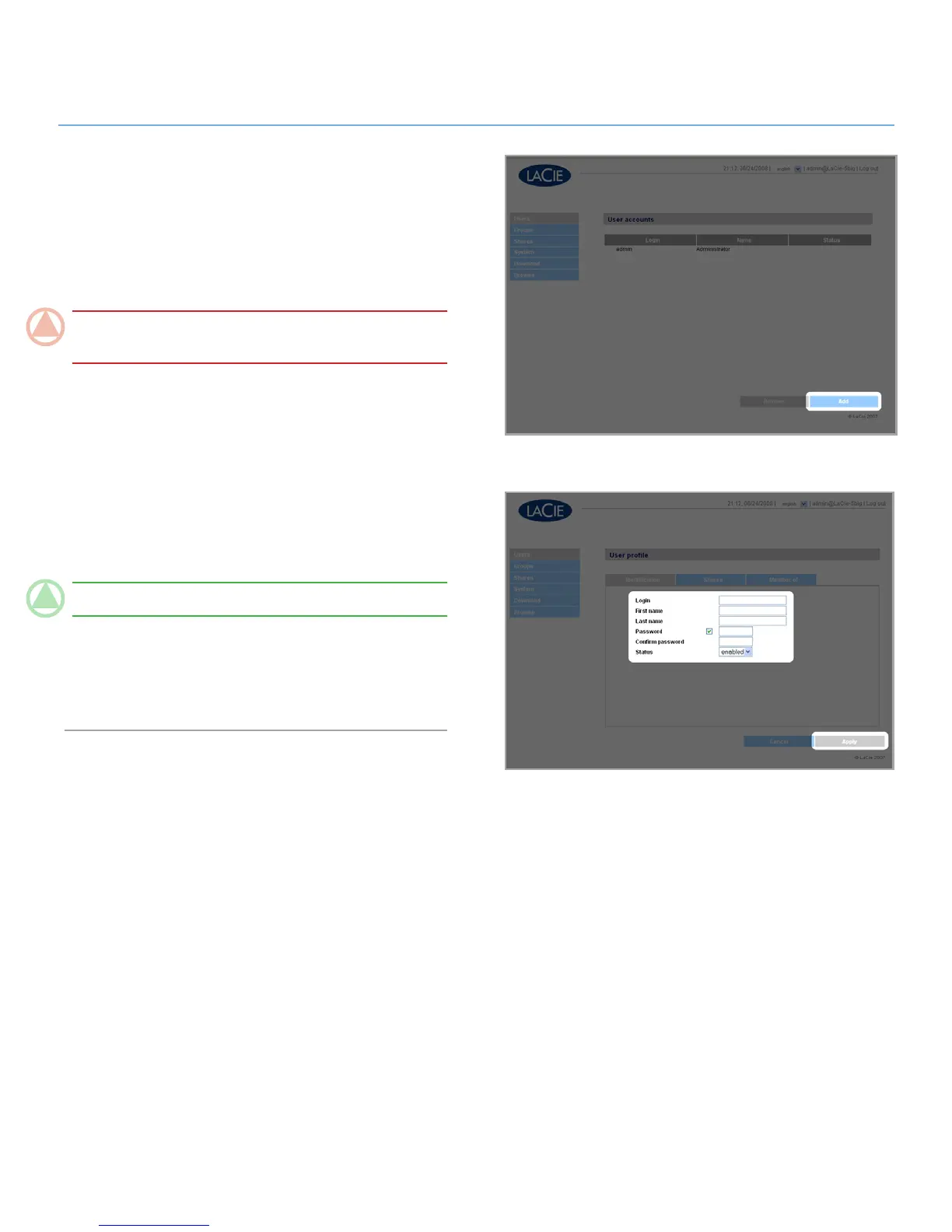
To add a user account:
Click 1. Add on the User Accounts page (Fig. 4.2.1-A). The
User Profile page opens (Fig. 4.2.1-B).
Enter a login name in the “Login” field.
2.
ImpOrTANT INfO: Login names are case-sensitive. (Ex.
“User” is not the same as “user”.)
Enter the user’s first and last name in the First name and Last
3.
name fields. This information only appears to the administra-
tor as part of the User Profile on this page.
Check Password to require the user to log in with a pass-
4.
word. If the Password box is unchecked, the user can log in
with a Login name only.
Enter a password in the “Password” and “Confirm password”
5.
fields, if applicable.
TeChNICAl NOTe: Passwords cannot exceed 8 characters.
To enable the user account (allow the user to log in), select
6.
Enable from the Status menu.
Click the
7. Apply button.
Figure 4.2.1-A
Figure 4.2.1-B













 To Next Page