LaCie 5big network Accessing & Managing Files
User Manual page 23
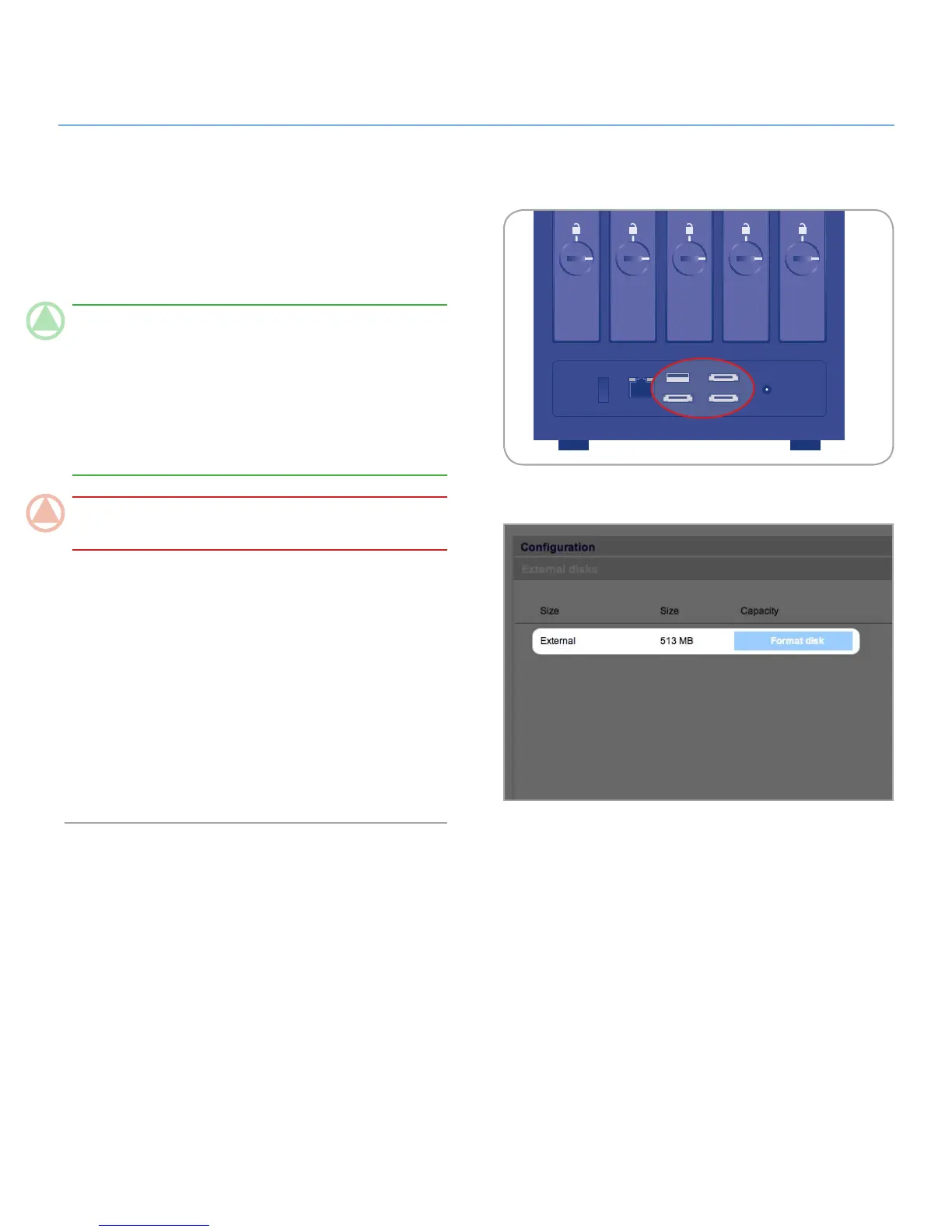
You can connect an external USB or eSATA hard disk to back up
the data on your LaCie 5big network or as a way to add storage
capacity. Connected hard disks are accessed similarly to shared
folders.
TeChNICAl NOTe: External hard disks must be formatted
in one of the supported systems in to mount on the LaCie 5big
network: FAT32, NTFS, HFS+, EXT3, REISERFS or XFS.
In order to use an external hard drive to back up the 5big, the
drive must be formatted in XFS. External drives can be format-
ted to XFS through the Web administration page. For details,
see 4.5.5. External disks.
ImpOrTANT INfO: The 5big can’t read volumes on external
drives larger than 2TB.
To connect an external hard disk:
Turn on your LaCie 5big network.1.
Turn on the external hard disk and connect its USB or eSATA 2.
cable to the USB or eSATA port on the back of the LaCie
5big network (Fig. 3.4-A).
In the Web Administration Page, click
3. System and then on
the External disks tab.
The external hard drive will be listed (Fig. 3.4-B). For more infor-
mation, see 4.5.5. External Disks.













 To Next Page