LaCie 5big network Administering Your LaCie 5big network
User Manual page 35
4.5. System
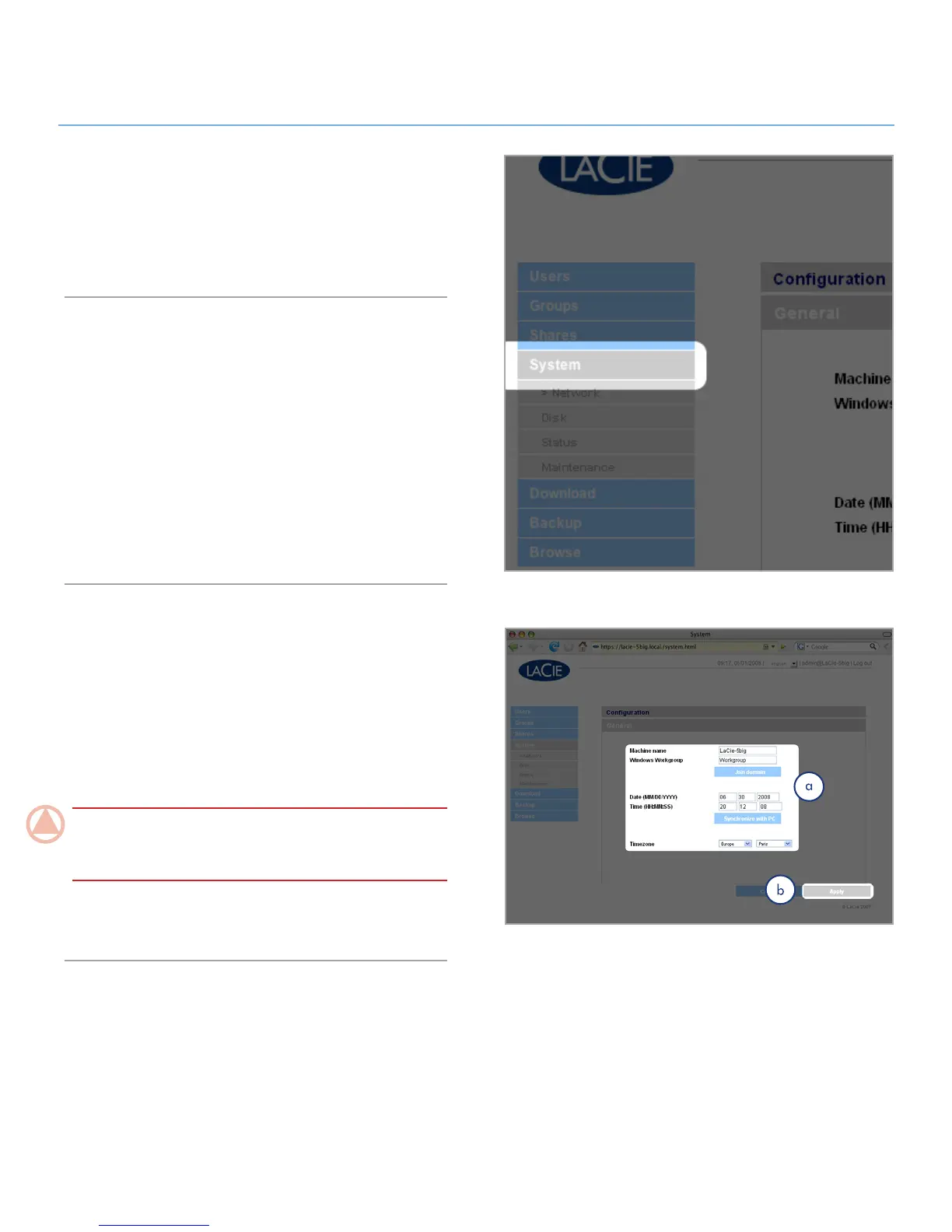
In addition to the Configuration page, which is the main System
page, the System menu has four sub-sections: Network, Disk,
Status and Maintenance, each accessible from the navigation
bar when you click System (Fig. 4.5).
Active Directory4.5.1.
The 5big can join a Microsoft Active Directory. Active Directory
is the directory service that is included with Microsoft Windows
Server 2003 and Microsoft Windows 2000 Server. By creating
a link between user accounts, mailbox accounts, and applica-
tions, Active Directory simplifies the task of adding, modifying,
and deleting user accounts. Integrating the 5big with your Ac-
tive Directory allows the 5big to streamline the creation of users,
groups, and access privileges.
To connect, click on System > Join Domain. Enter a domain
name, username, and password and click Join Domain.
Configuration4.5.2.
Click on the System link in the navigation bar to open the Con-
figuration page. This page displays basic information about the
5big network including the Machine name, the Windows work-
group, time zone and date and time (a, Fig. 4.5.2-A).
To change the machine name, highlight the machine name
(“LaCie-5big” by default), delete it and enter a new name. Click
Apply (b)
ImpOrTANT INfO: The machine name can only contain
the following characters ‘a-z’, ‘A-Z’, ‘0-9’, ‘-’ and must begin
with a letter.
To change the Windows workgroup, highlight the workgroup
name, delete it and enter a new name. Click Apply (b).
Figure 4.5
Figure 4.5.2-A













 To Next Page