LaCie 5big network RAID and Disks
User Manual page 49
5. RAID and Disks
The LaCie 5big network supports RAID levels 0 (default), 5,
5+spare, 6, 6+spare, and 10. Please see sections 5.2.-5.6. for
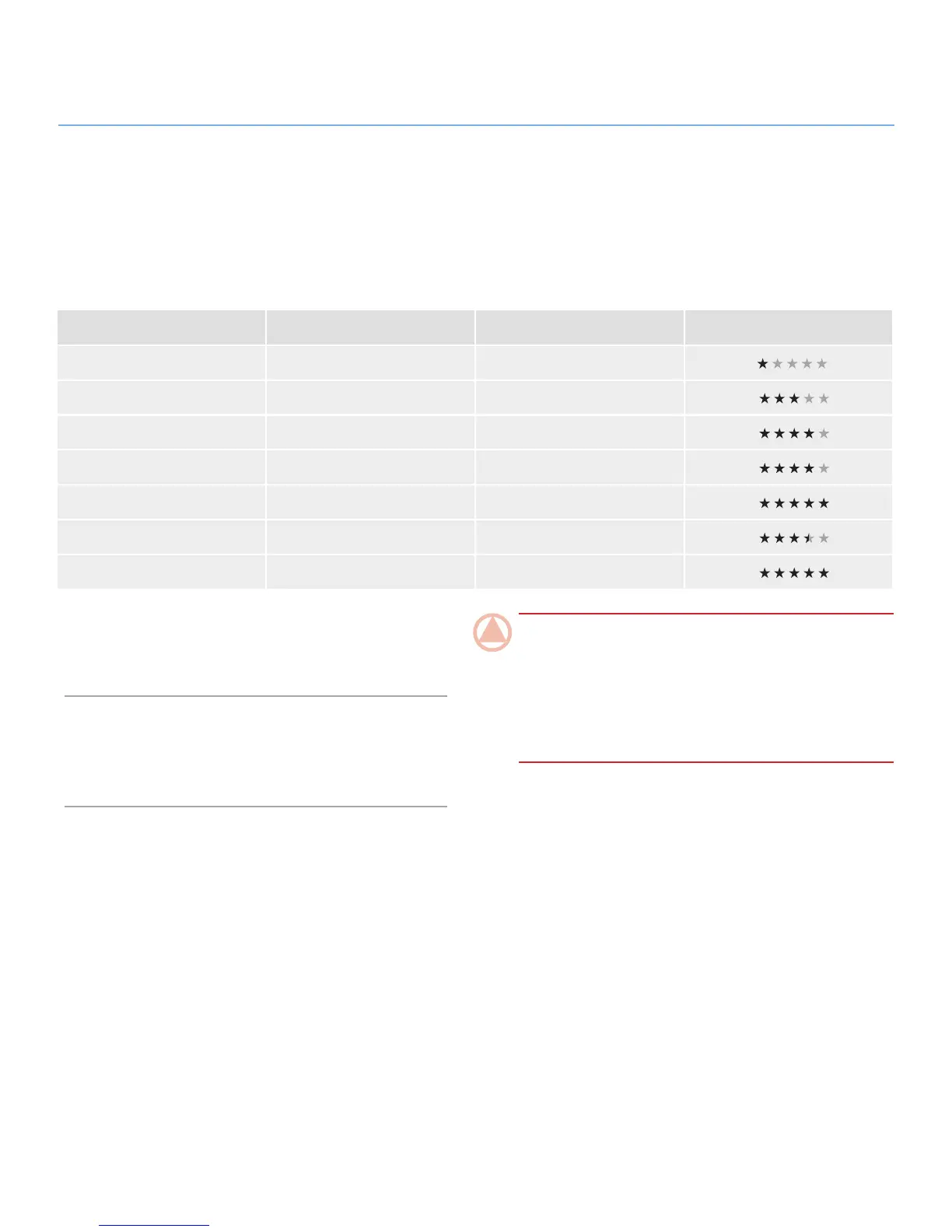
detailed information on 5big RAID levels. The following chart
sums up the strengths and weaknesses of each RAID level.
See section 5.7. for information on removing and installing hard
disks. See the following chapters 5.2.-5.6. for more details on
the different RAID modes.
5.1. Changing the RAID Level
Refer to section 4.5.4. RAID.
RAID Mode Capacity (4 disks) Capacity (5 disks) Protection
RAID 0 100% 100%
RAID 5 75% 80%
RAID 5+ Spare 50% 60%
RAID 6 50% 60%
RAID 6+ Spare N/A 40%
RAID 10 50% N/A
RAID 10+ Spare N/A 40%
ImpOrTANT INfO: 1GB = 1,000,000,000 bytes. 1TB =
1,000,000,000,000 bytes. Once formatted, the actual avail-
able storage capacity varies depending on operating environ-
ment (typically 10-15% less). For example, if the total disk size
is 500 GB, the formatted capacity should be approximately
465 GB. If the used capacity is 145 GB, remaining capacity
will be 320 GB.













 To Next Page