LaCie 5big network RAID and Disks
User Manual page 50
RAID 05.2.
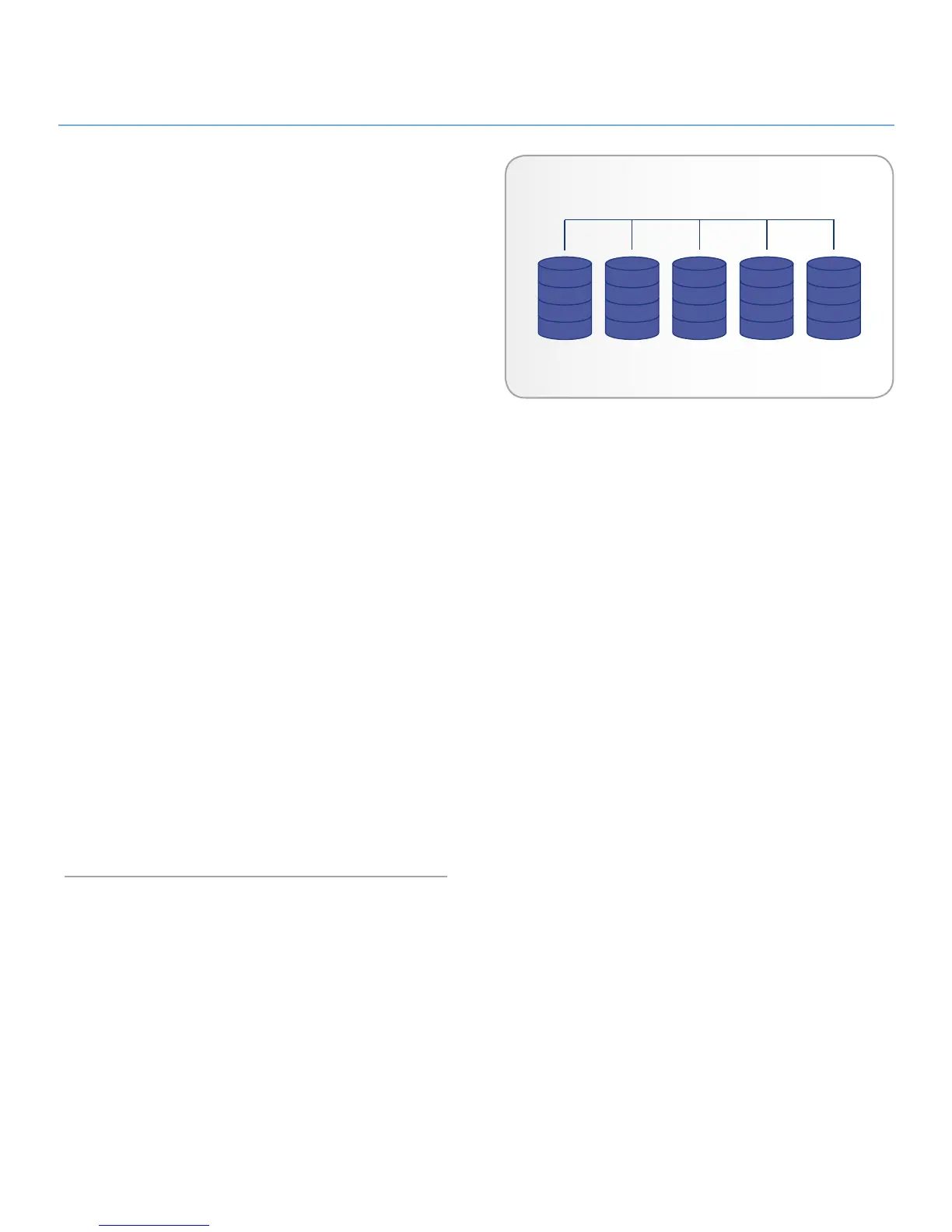
RAID 0 (also called Spanning mode in some LaCie devices), is the
fastest RAID mode. In a RAID 0 array, the available capacities of
each disk are added together so that one logical volume mounts
on the computer.
If one physical disk in the array fails, the data of all disks be-
comes inaccessible because parts of the data have been written
to all disks.
Applications
RAID 0 is ideal for users who need maximum speed and ca-
pacity. Video editors working with very large files may use RAID
0 when editing multiple streams of video for optimal playback
performance. A RAID 0 array is more suited for actively working
with files (editing video, for example) and should not be used as
a single storage backup solution or on mission critical systems.
How RAID 0 Capacity Is Calculated
Each disk in a RAID 0 system should have the same capacity.
Storage capacity in a RAID level 0 configuration is calculated by
multiplying the number of drives by the disk capacity, or C = n*d,
where:
C = available capacity
n = number of disks
d = disk capacity
For example, in a RAID 0 array with four drives each with a
capacity of 1000GB, the total capacity of the array would be
4000GB:
C = (4*1000)













 To Next Page