LaCie 5big network Accessing & Managing Files
User Manual page 22
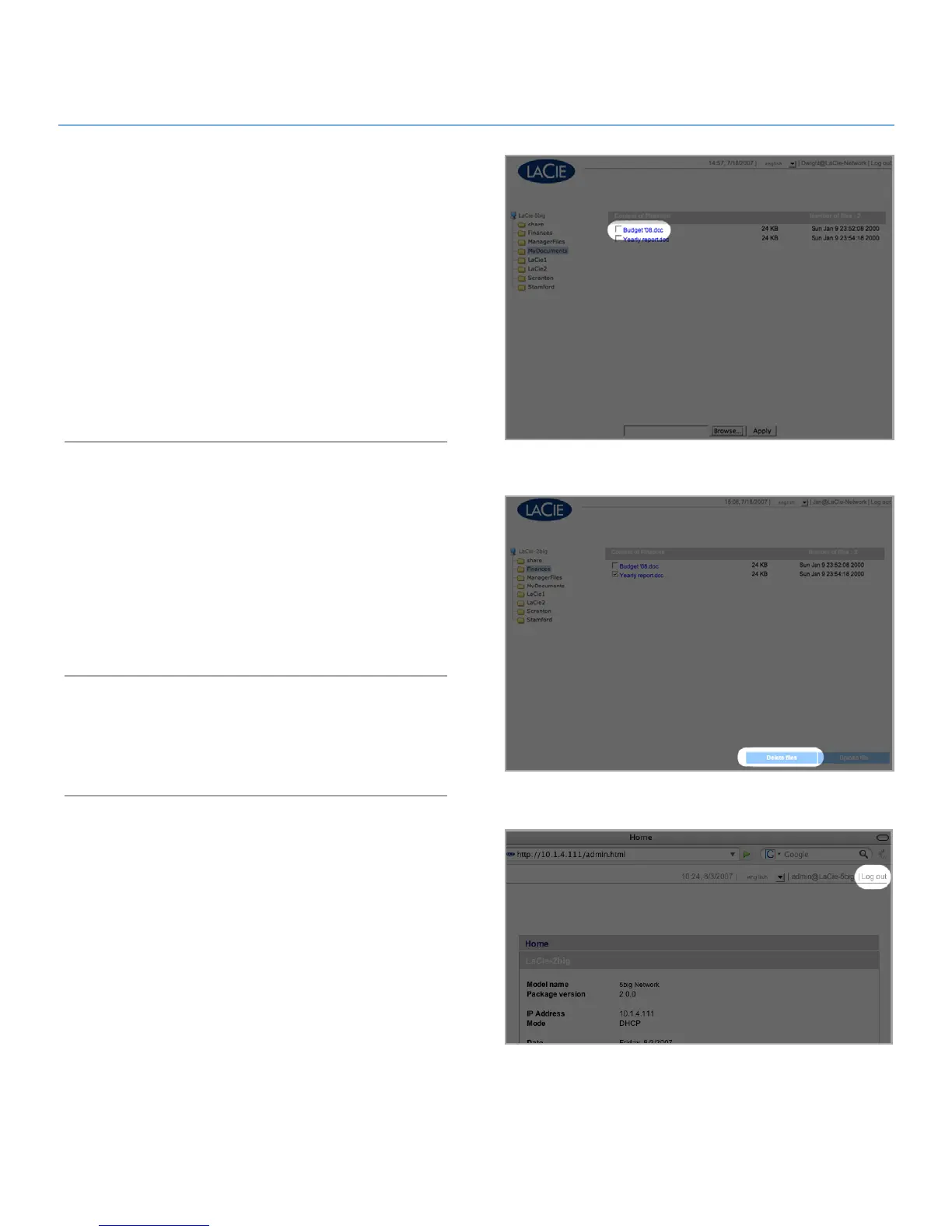
Figure 3.3.4
Figure 3.3.3
Downloading Files3.3.2.
To download a file:
Click on the share (folder) you want to download the file 1.
from.
Click on the file’s link.
2.
Internet Explorer3. : in the security warning window, click to
allow the download. File saves to the default downloads
directory.
FireFox
4. and Safari: File downloads to the default down-
loads directory.
Deleting Files3.3.3.
To delete a file from a share:
Click on the share (folder) you want to delete the file from.1.
Select the file or files to delete.2.
Click 3. Delete files.
Click
4. OK on the confirmation dialog.
Logging Out3.3.4.
Log out at any time by clicking Log out in the upper right corner
of the Administration Page.
Figure 3.3.2













 To Next Page