LaCie 5big network RAID and Disks
User Manual page 53
RAID 65.5.
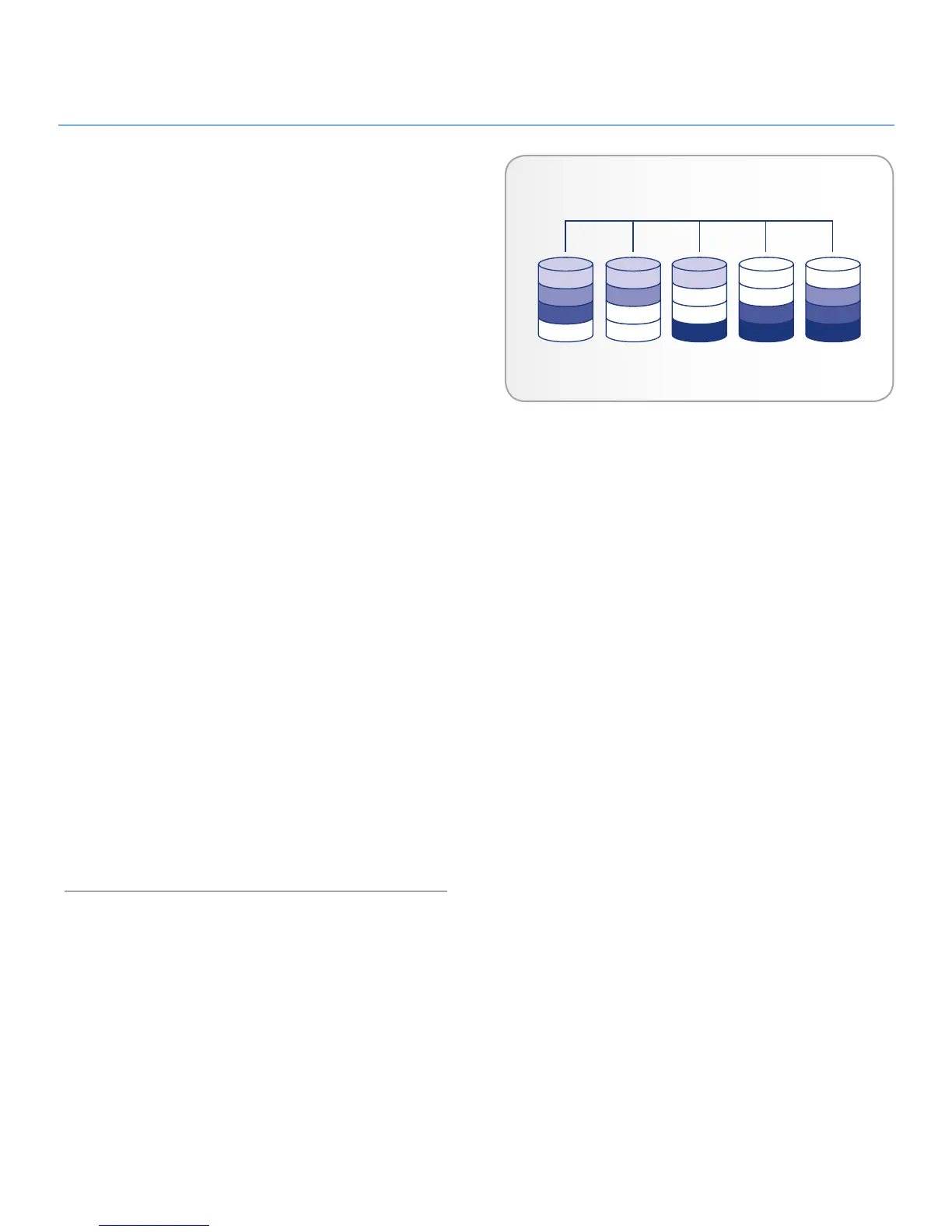
In RAID 6, data is striped across all disks (minimum of four) and
a two parity blocks for each data block (p and q in the diagram
at right) is written on the same stripe. If one physical disk fails,
the data from the failed disk can be rebuilt onto a replacement
disk. This Raid mode can support up to two disk failures with no
data loss. RAID 6 provides for faster rebuilding of data from a
failed disk.
Applications
RAID 6 provides data reliability with the addition of efficient re-
building in the case of a failed drive. RAID 6 is therefore useful
for people who need serious security with less of an emphasis on
performance.
How RAID 6 Capacity Is Calculated
Each disk in a RAID 6 system should have the same capacity.
Storage capacity in a RAID 6 configuration is calculated by sub-
tracting the number of drives by two and multiplying by the disk
capacity, or
C = (n-2)*d
where:
C = available capacity
n = number of disks
d = disk capacity
For example, in a RAID 6 array with five drives each with a
capacity of 1000GB, the total capacity of the array would be
3000GB:
C = (5-2)*1000













 To Next Page