6.3.1 Interface Commands 51
| www.lakeshore.com
6.3.1 Interface
Commands
This section lists the interface commands in alphabetical order.
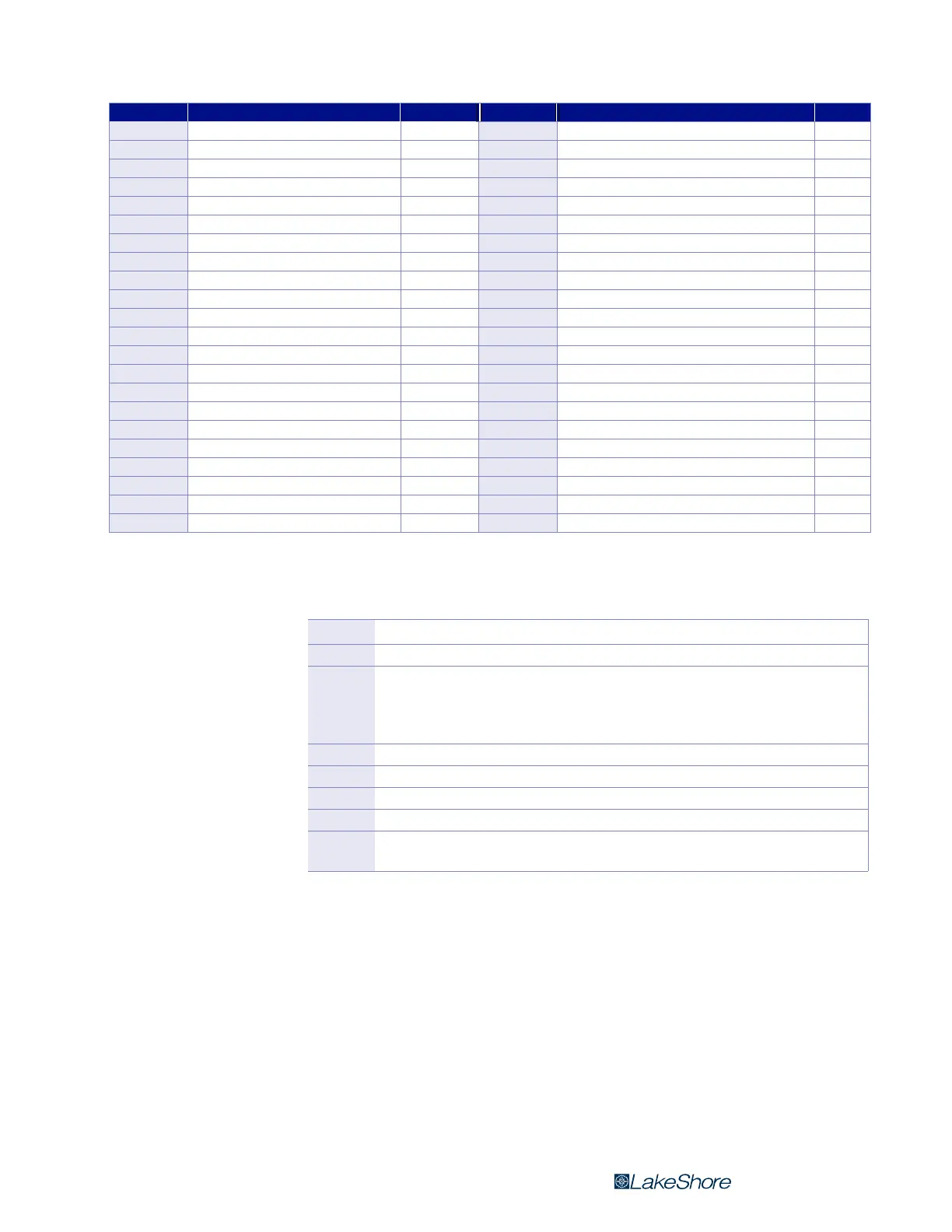
Command Function Page Command Function Page
? Process Last Query Received 52 PRBSENS? Probe Sensitivity Query 55
*IDN? Identification Query 52 PRBSNUM? Probe Serial Number Query 55
*RST Reset Instrument Command 52 RANGE Field Range Command 55
ALARM Input Alarm Parameter Command 52 RANGE? Field Range Query 55
ALARM? Input Alarm Parameter Query 52 RDGFIELD? Field Reading Query 55
ALARMST? Alarm Status Query 52 RDGMODE Measurement Mode Command 55
AUTO Auto Range Command 53 RDGMODE? Measurement Mode Query 56
AUTO? Auto Range Query 53 RDGMNMX? Minimum and Maximum Reading Query* 56
BRIGT Display Contras Command 53 RDGMX? Maximum Reading Query 56
BEEP Alarm Audible Command* 53 RDGREL? Relative Reading Query 56
BEEP? Alarm Audible Query* 53 REL Relative Mode Command 56
BRIGT? Display Contrast Query 53 REL? Relative Mode Query 56
DFLT Factory Defaults Command 53 RELAY Relay Control Parameter Command 56
KEYST? Keypad Status Query 53 RELAY? Relay Control Parameter Query 57
LOCK Front Panel Keyboard Lock Command 54 RELAYST? Relay Status Query 57
LOCK? Front Panel Keyboard Lock Query 54 RELSP Relative Setpoint Command 57
MXHOLD Max Hold Command 54 RELSP? Relative Setpoint Query 57
MXHOLD? Max Hold Query 54 TYPE? Probe Type Query 57
MXRST Max Hold Reset Command 54 UNIT Field Units Command 57
OPST? Operational Status Query 54 UNIT? Field Units Query 57
PRBFCOMP Probe Field Compensation Command 54 ZCLEAR Clear Zero Probe Command 58
PRBFCOMP? Probe Field Compensation Query 55 ZPROBE Zero Probe Command 58
* These commands were included to support compatibility with the Model 455 and Model 475 gaussmeters
TABLE 6-2 Command summary
Q
Begins common interface command
? Required to identify queries
s[n]
String of alphanumeric characters with length “n.” Send these strings
using surrounding quotes. Quotes enable characters such as commas
and spaces to be used without the instrument interpreting them as
delimiters
nn… String of number characters that may include a decimal point
[term] Terminator characters
<…> Indicates a parameter field; many are command specific
<state> Parameter field with only On/Off or Enable/Disable states
<value>
Floating point values have varying resolution depending on the type of
command or query issued
TABLE 6-3 Interface commands key



 To Next Page