EasyManua.ls Logo

Laser 128 - Draw; Drawing Shapes

Laser 128
255 pages
Print Icon
To Next Page IconTo Next Page
To Previous Page IconTo Previous Page
Loading...
BASIC COMMANDS AND
STATEMENTS
3.11
DRAW
3.11.1
3.11.2
Purpose:
To
dra
w
geometric
shapes
Fo
rmat:
DRAW
shap
e
(shape
parameters,.
..
)
Comments:
Drawing
shapes
In
the
high
resolution
g
raphi
cs modes,
you
can
draw
and
move
around
fr
ee-for
m shapes.
The
general
gra
phics
commands
of
the
computer
HPLOT
and
PLOT,
only
give
sta
ti
c
s
hape
s.
· With s
hapes
you
defined,
you
can
animate
yo
ur
creations,
eit
her
mov
ing
,
rotating,
or
changing
their
sizes.
S
etti
ng up
the
shapes
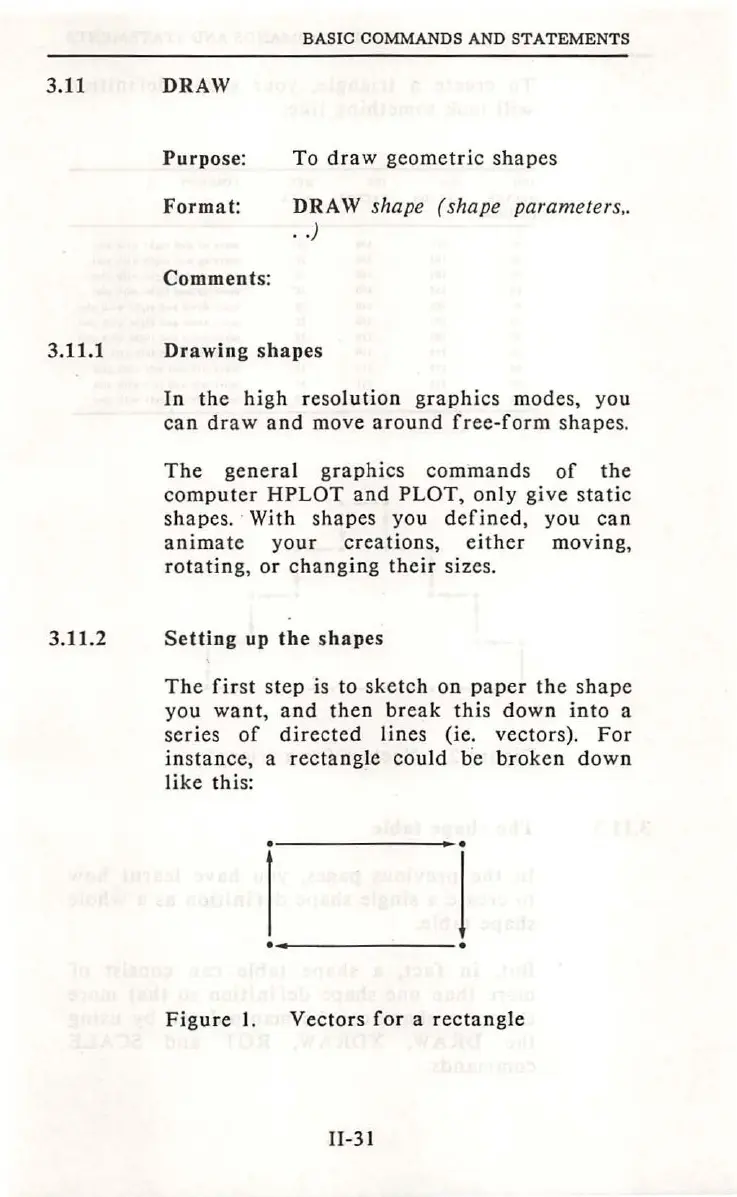
The
fir
st step is to
sketc
h
on
paper
the
s
hape
you
wa
nt
,
and
then
break
thi
s down
into
a
se
rie
s
of
directed
lines
(ie. vectors).
For
in
s
tance,
a
rectangle
could
be
broken
down
like
thi
s:
I I
Figure
I.
Vectors
for
a
rectangle
11-31

Table of Contents