EasyManua.ls Logo

Laser 128 - Page 167

Laser 128
255 pages
Print Icon
To Next Page IconTo Next Page
To Previous Page IconTo Previous Page
Loading...
BASIC COMMANDS AND
STATEMENTS
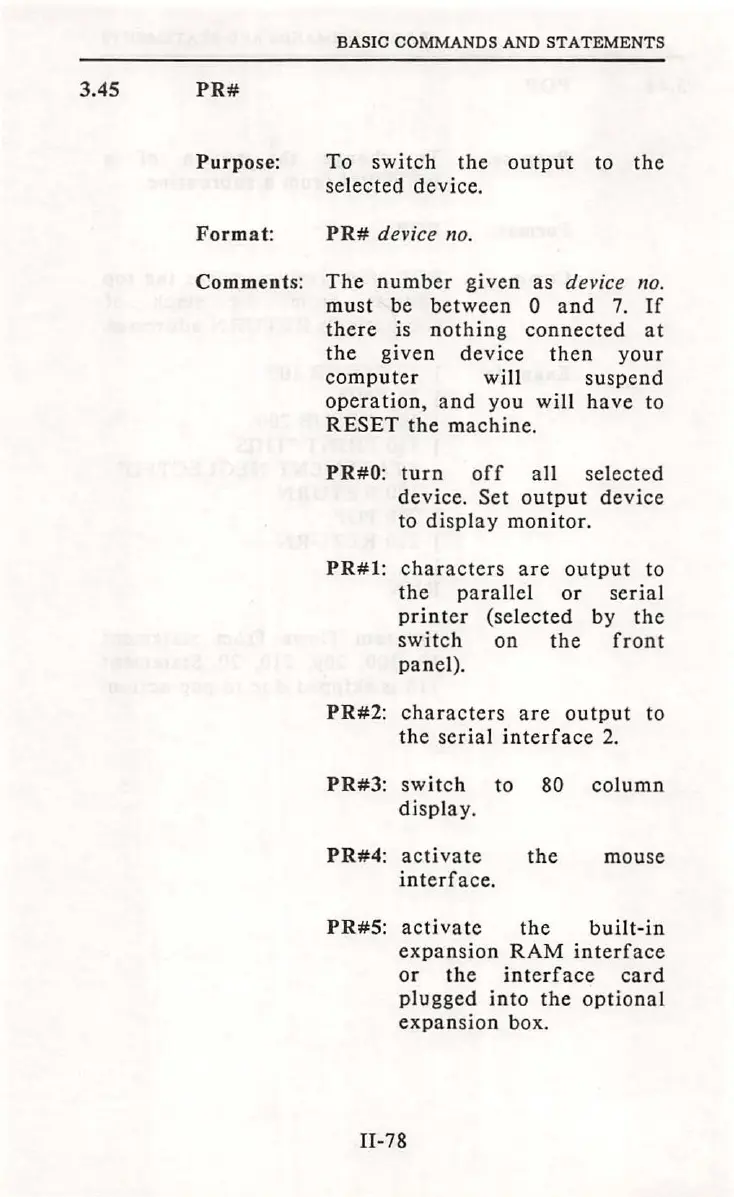
3.45
PR#
Purpose:
To
switch
the
output
to
the
selected
device.
Format:
PR#
device no.
Comments:
The
number
given
as
device
no.
must
be
between
0
and
7.
If
there
is
nothing
connected
at
the
given
device
then
you
r
computer
will
suspend
operation,
and
you
will
have
to
RESET
the
machine.
PR#O:
turn
off
all
sel
ected
device.
Set
output
device
to
display
monitor.
PR#l:
characters
are
output
to
the
parallel
or
serial
printer
(selected
by
the
switch
on
the
front
panel)
.
PR#2:
characters
are
output
to
the
serial
interface
2.
PR#3:
switch
to 80
column
display.
PR#4:
activate
the
mouse
interface.
PR#S:
activate
the
built-in
expansion
RAM
interface
or
the
interface
card
plugged
into
the
optional
expansion
box.
Il-78

Table of Contents