EasyManua.ls Logo

Laser 128 - Understanding BASIC Errors; Common Error Messages List

Laser 128
255 pages
Print Icon
To Next Page IconTo Next Page
To Previous Page IconTo Previous Page
Loading...
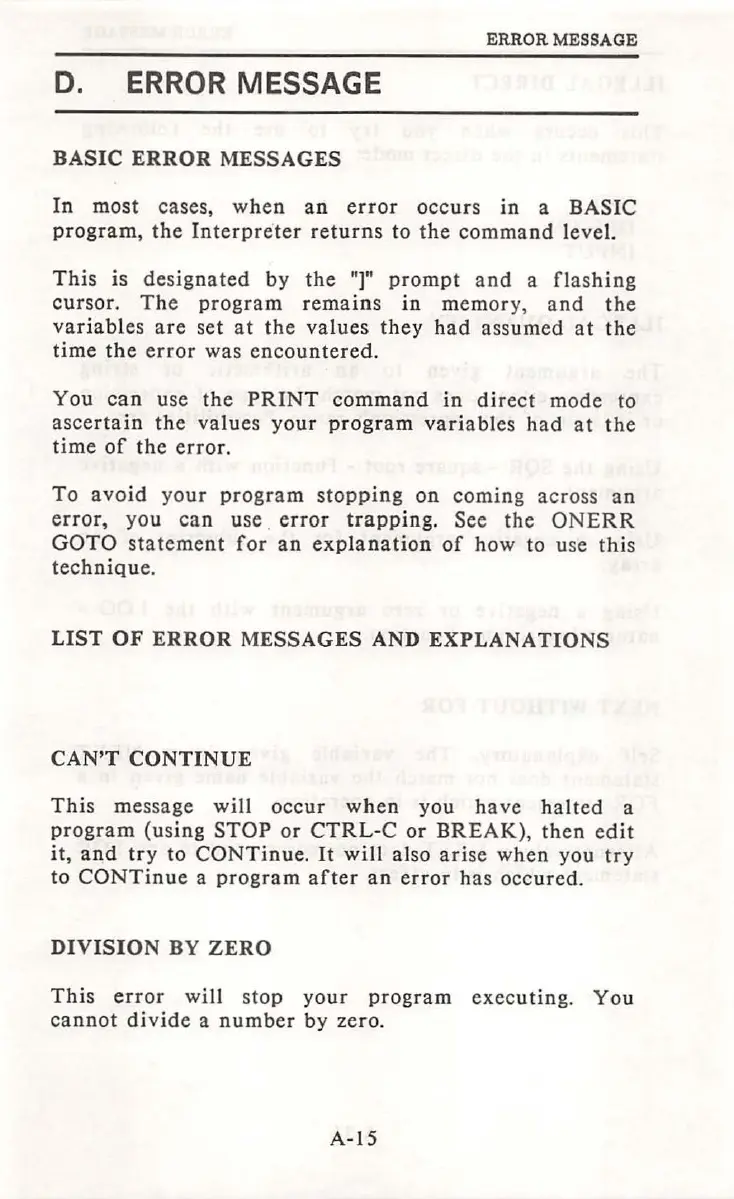
ERROR MESSAGE
D.
ERROR
MESSAGE
BASIC
ERROR
MESSAGES
In
most
cases,
when
an
error
occurs
in
a
BASIC
program,
the
Interpreter
returns
to
the
command
level.
This
is
designated
by
the
"]"
prompt
and
a
flashing
cursor.
The
program
remains
in
memor
y,
and
the
variables
are
set
at
the
values
they
had
assumed
at
the
time
the
error
was
encountered.
You
can
use
the
PRINT
command
in
direct
mode
to
ascertain
the
values
your
program
variables
had
at
the
time
of
the
error.
To
avoid
your
program
stopping
on
coming
across
an
error,
you
can
use
.
error
trapping.
See
the
ONERR
GOTO
statement
for
an
explanation
of
how
to
use
this
technique.
LIST
OF
ERROR
MESSAGES
AND
EXPLANATIONS
CAN'T
CONTINUE
This
message
will
occur
when
you
have
halted
a
program
(using
STOP
or
CTRL-C
or
BREAK)
,
then
edit
it,
and
try
to
CONTinue.
It
will
also
arise
when
you
try
to
CONTinue
a
program
after
an
error
has
occured.
DIVISION
BY
ZERO
This
error
will
stop
your
program
executing
.
You
cannot
divide
a
number
by
zero.
A-15

Table of Contents