EasyManua.ls Logo

Laser 128 - Page 26

Laser 128
255 pages
Print Icon
To Next Page IconTo Next Page
To Previous Page IconTo Previous Page
Loading...
GETTING FAMILIAR WITH
THE
LASER 128/128EX
@
The
PARALLEL
PRINTER
CONNECTOR
is
for
connecting
a
parallel
printer
with
Centronics
interface.
The
pin
assignment
is
shown
in
Figure
C-7.
@
The
GAME
INPUT
CONNECTOR
is
for
connecting
joysticks,
paddles
or
an
Apple
®
compatible
mouse
which
are
used
by
some
application
programs
as
input
de
vices
instead
of
the
keyboard.
The
pin
assignment
is
shown
in
Figure
C-8.
I :unr.m:::z:s::m I
~-
-<:
22
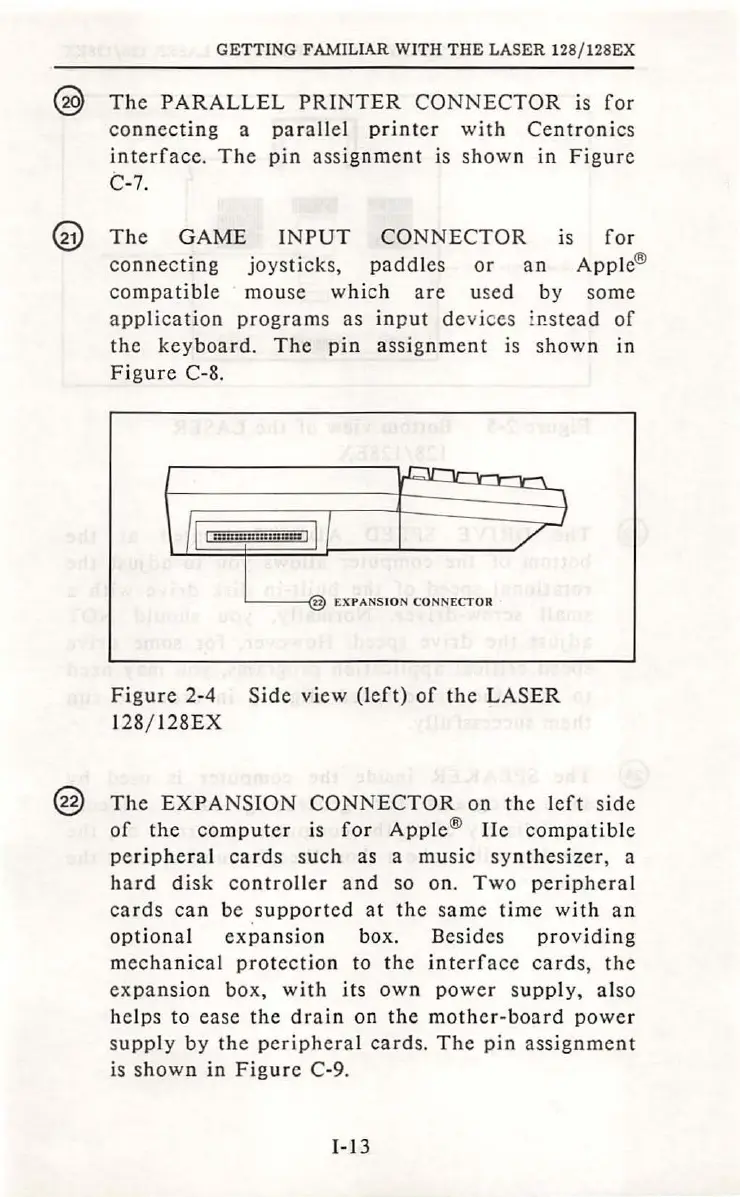
EXPANS
IO
N
CONNECTOR
Figure
2-4
Side
view
(le
ft)
of
the
LASER
128/ I
28EX
@
The
EXPANSION
CONNECTOR
on
th
e
left
s
ide
of
the
computer
is
for
Apple
®
Ile
compatible
peripheral
cards
such
as
a
music
syn
the
sizer,
a
hard
disk
contro
ller
and
so on.
Two
peripheral
cards
can
be
suppo
rted
at
the
same
time
with
an
optional
expansion
box. Besides
providing
mechanical
protection
to
the
interface
cards,
the
expans
ion
box,
with
it
s
own
power
s
upply
,
also
helps
to ease
the
drain
on
the
moth
er-boa
rd
power
supply
by
the
peripheral
cards.
The
pin
assignment
is
shown
in
Figure
C-9.
I-13

Table of Contents