EasyManua.ls Logo

Laser 128 - Page 64

Laser 128
255 pages
Print Icon
To Next Page IconTo Next Page
To Previous Page IconTo Previous Page
Loading...
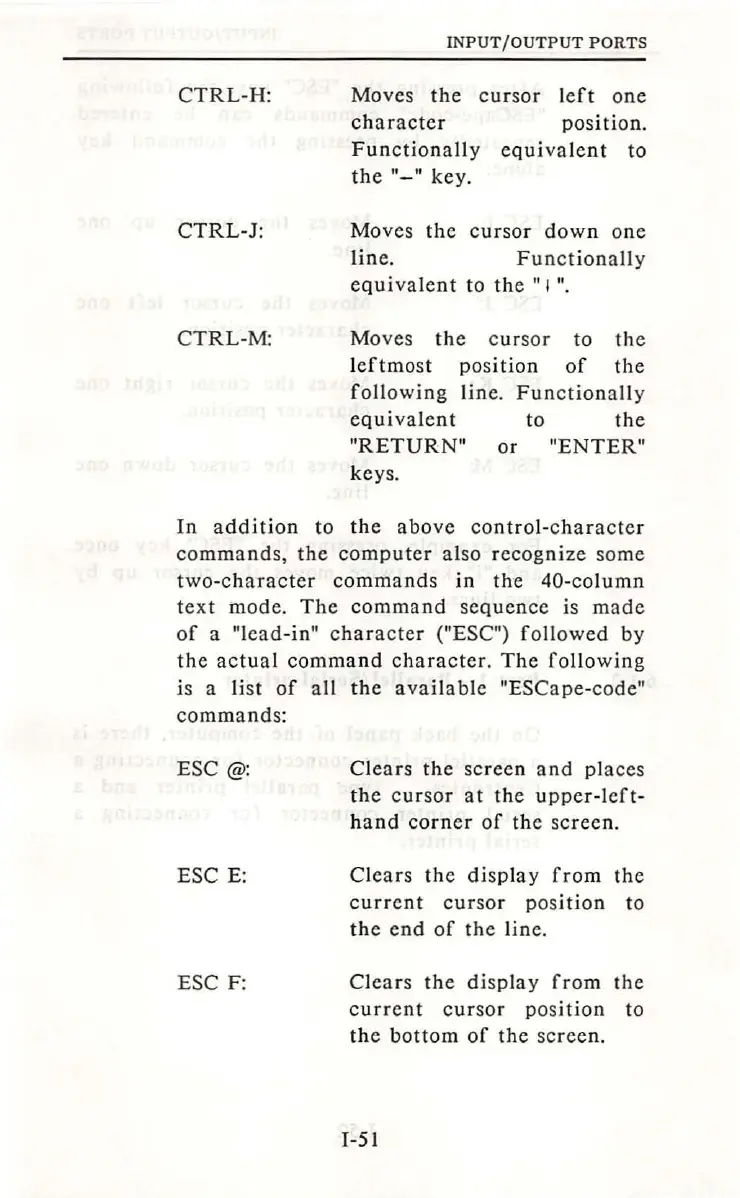
CTRL-H:
CTRL-J:
CTRL-M:
INPUT
/OUTPUT
PORTS
Moves
the
cursor
left
one
character
position.
Functionally
equivalent
to
the"-"
key.
Moves
the
cursor
down
one
line.
Functionally
equivalent
to
the
"I".
Moves
the
c
ur
sor
to
the
leftmo
st
position
of
the
following
line.
Functionally
equivalent
to
the
"RETURN"
or
"ENTER"
keys.
In
addition
to
the
above
control-character
commands,
the
computer
also
recognize
some
two-character
commands
in
the
40-column
text
mode.
The
command
sequence
is
made
of
a "lead-in"
character
("ESC")
followed
by
the
actual
command
character.
The
following
is a
list
of
all
the
available
"ESCape-code"
com
mand
s:
ESC @:
ESC
E:
ESC F:
Clears
the
scree
n
and
places
the
cursor
at
the
upper-left-
hand
corner
of
the
scree
n.
Clears
the
display
from
the
current
cursor
position
to
the
end
of
the
line.
Clears
the
display
from
the
current
cursor
position
to
the
bottom
of
the
screen
.
1-51

Table of Contents