EasyManua.ls Logo

Laser 128 - Page 67

Laser 128
255 pages
Print Icon
To Next Page IconTo Next Page
To Previous Page IconTo Previous Page
Loading...
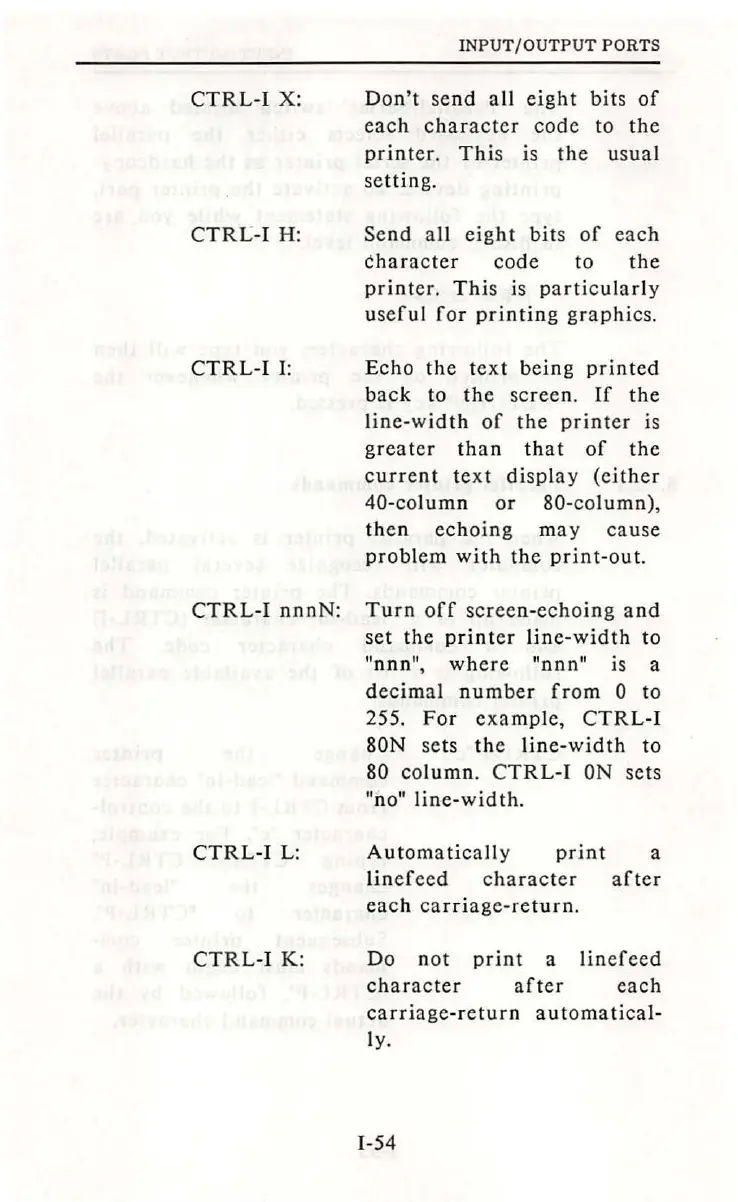
CTRL-I
X:
CTRL-I
H:
CTRL
-I I:
INPUT
/
OUTPUT
PORTS
Don't
send
all
eight
bits
of
each
character
code
to
the
printer.
This
is
the
usual
setting.
Send
all
eight
bits
of
each
character
code
to
the
printer
.
This
is
particularly
useful
for
printing
graphics.
Echo
the
text
being
printed
back
to
the
screen.
If
the
line-width
of
the
printer
is
greater
than
that
of
the
current
text
display
(either
40-column
or
80-column),
then
echoing
may
cause
problem
with
the
print-out.
CTRL-1
nnnN:
Turn
off
screen-echoing
and
set
the
printer
line-width
to
"nnn",
where
"nnn"
is a
decimal
number
from
0 to
255.
For
example,
CTRL
-1
80N
sets
the
line-width
to
80
column.
CTRL-I
ON
sets
"no"
line-width
.
CTRL
-1
L:
CTRL-1
K:
Automatically
print
a
linefeed
character
after
each
carriage-return.
Do
not
print
a
linefeed
character
after
eac
h
carriage
-r
eturn
au
to ma
tical-
l
y.
1-54

Table of Contents