EasyManua.ls Logo

Laser 128 - Page 79

Laser 128
255 pages
Print Icon
To Next Page IconTo Next Page
To Previous Page IconTo Previous Page
Loading...
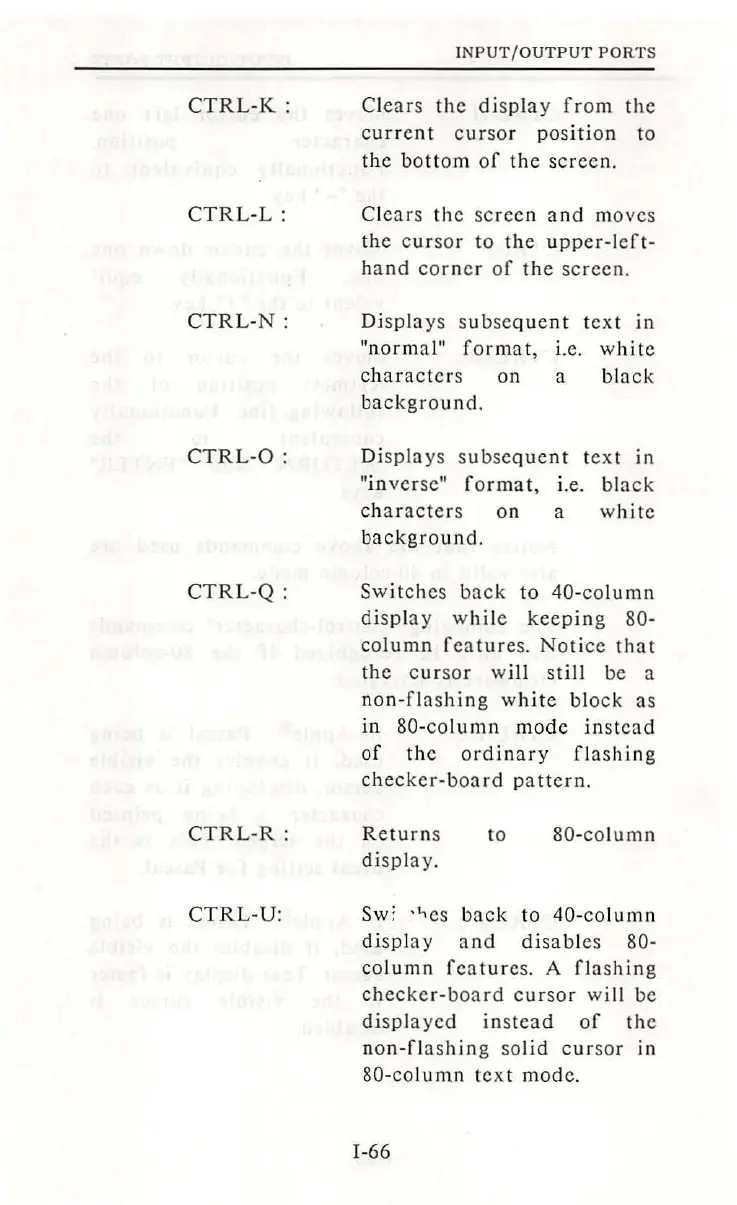
CTRL-K:
CTRL
-
L:
CTRL
-
N:
CTRL
-
0:
CTRL-Q:
CTRL-R:
CTRL
-U
:
INPUT/OUTPUT
PORTS
Clear
s
the
di
sp
lay
from
the
current
cursor
position
to
th
e
bottom
of
the
sc
reen.
Clears
the
screen
and
moves
the
cursor
to
the
up
per
-l
cft
-
h
and
corner
of
the
screen.
Di
spl
ays
subseque
nt
te
xt
in
"normal"
format,
i.e. w
hit
e
charact
ers
on
a
black
background.
D
isplays
subsequen
t
te
xt
in
"inver
se
"
format,
i.e.
black
characters
on
a wh
ite
background.
Switches
back
to
40-column
disp
l
ay
wh
ile
keepin
g 80-
column
features.
Notice
that
th
e
cursor
wi
ll
still
be a
non-flashing
white
block
as
in
80-column
mode
in
stea
d
of
the
ord
in
ary
fl
as
hin
g
checker-board
pat
t
ern.
Return
s
di
sp
l
ay.
to
80
-col
umn
Sw
'.
-i...cs
back
to
40
-co
lumn
di
s
play
and
disable
s 80-
co
lumn
features.
A
fl
ashing
checker-board
cursor
will
be
di
s
pla
yed
instead
of
the
n
on-flashing
solid
cur
sor
in
80-co
lumn
text
mod
e.
I-66

Table of Contents