EasyManua.ls Logo

Laser 128 - Page 81

Laser 128
255 pages
Print Icon
To Next Page IconTo Next Page
To Previous Page IconTo Previous Page
Loading...
INPUT
/
OUTPUT
PORTS
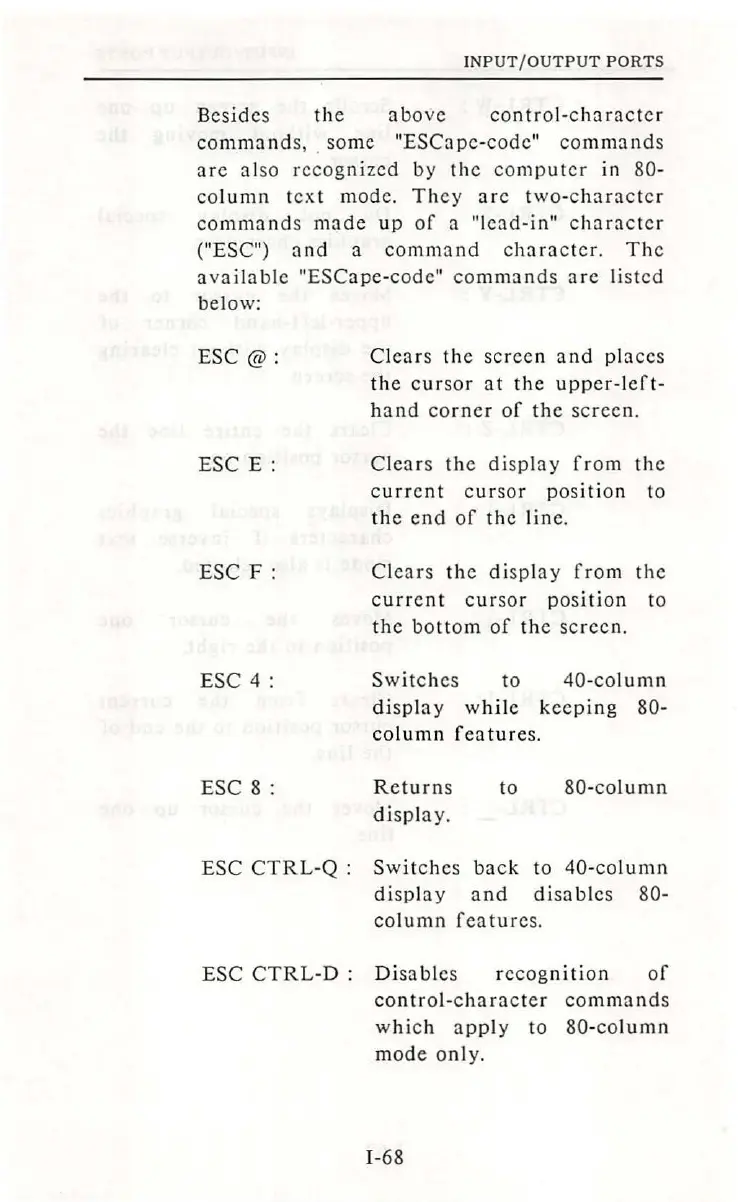
Besides
the
above
contro
l-
character
command
s, .
some
"ESCape
-
codc"
commands
are
also
recognized
by
th
e
computer
in 80-
column
t
ext
mode
.
They
arc
two-c
hara
c
ter
comma
nd
s
made
up
of
a
"lead-in"
character
("ESC")
and
a
comma
nd
character.
Th
e
available
"ESCape-code"
commands
arc
lis
ted
below:
ESC@
:
ESC
E:
ESC
F:
ESC
4:
ESC
8:
Cl
ears
the
scree
n a
nd
places
the
cursor
at
the
up
pe
r-left-
hand
corner
of
the
sc
r
een.
Clears
the
disp
l
ay
from
the
current
c
ur
sor pos
iti
on to
the
e
nd
of
the
lin
e.
Clears
th
e di
sp
l
ay
from
the
current
c
ur
sor
position
to
the
bottom
of
the
screen.
Switches
to
40-column
di
splay
while
keeping
80-
column
features.
Returns
display.
to
80
-
column
ESC
CTRL
-Q
:
Switches
back
to
40-
co
lumn
di
spl
ay
and
disables
80-
column
features
.
ESC
CTRL
-D
:
Di
sab
l
es
recognition
of
control-character
commands
wh
ich
app
ly
to
80-co
lumn
mode
only.
I-68

Table of Contents