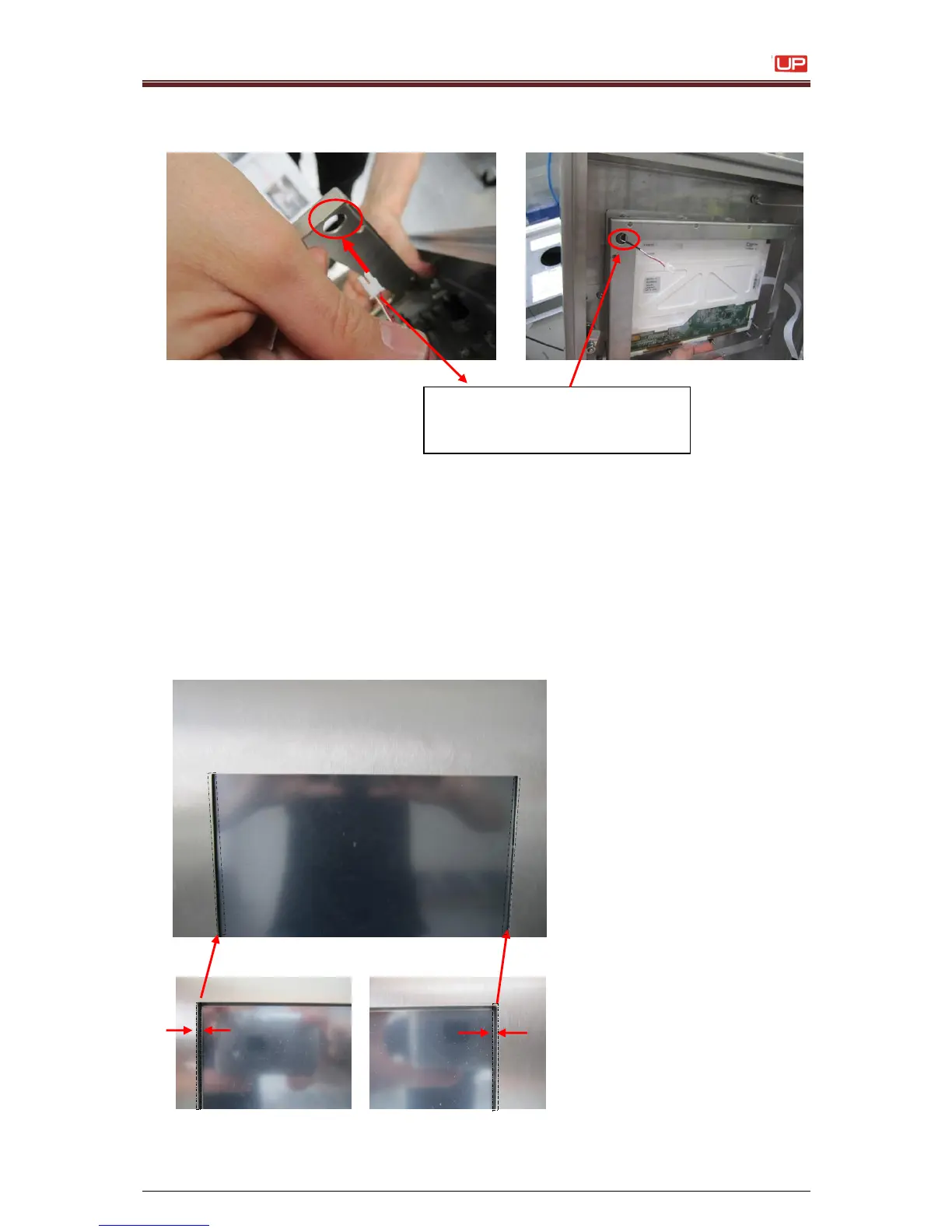
10. Adjust the display to the center position of the notch.
The display is in the center position, when the black frame of the screen has everywhere
the same wide like shown in the picture:
If it is necessary do this step together with a second person in front of the display.
During these person check the correct position you can place the display in the right
position.
Pull the cable for the display
illumination carefully throughout
the hole of the frame again.



 To Next Page