9 Locomotive functions
9.1 Switching locomotive functions with function
keys
Ex-factory, the function keys are assigned as follows:
switches digital function F0
switches digital function F1
switches digital function F2
You can freely assign the digital functions F0 to F28 to
these function keys. See section Assigning locomotive
functions to function keys (p. 21) for information on how
to proceed.
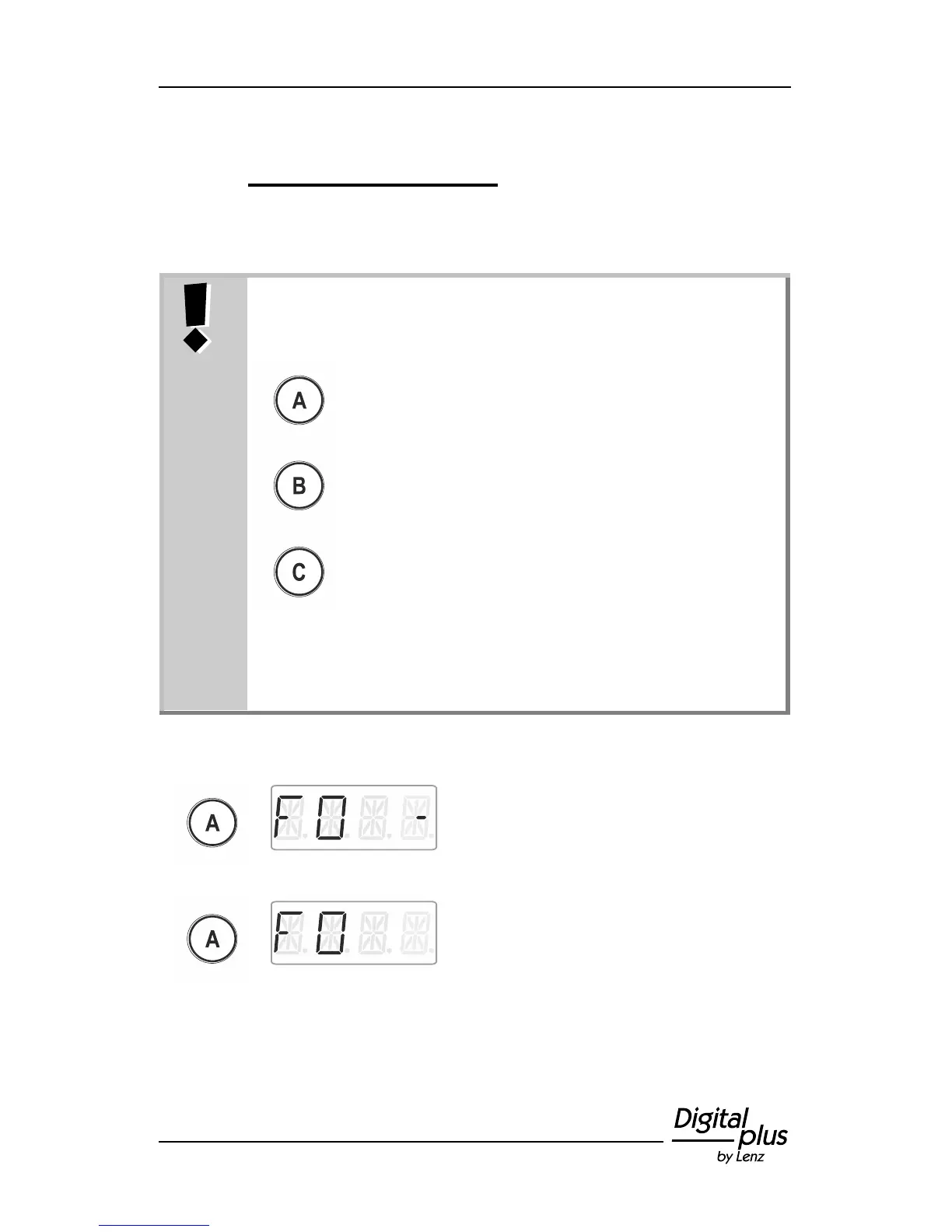
Changes the function status assigned to key
‘A’ for the active locomotive address (factory
setting: F0).
Here: The function is being enabled, as
indicated by the dash on the right.
The function is being disabled.
Function keys B and C behave accordingly.



 To Next Page