13.6 Displaying the version number of the LH01
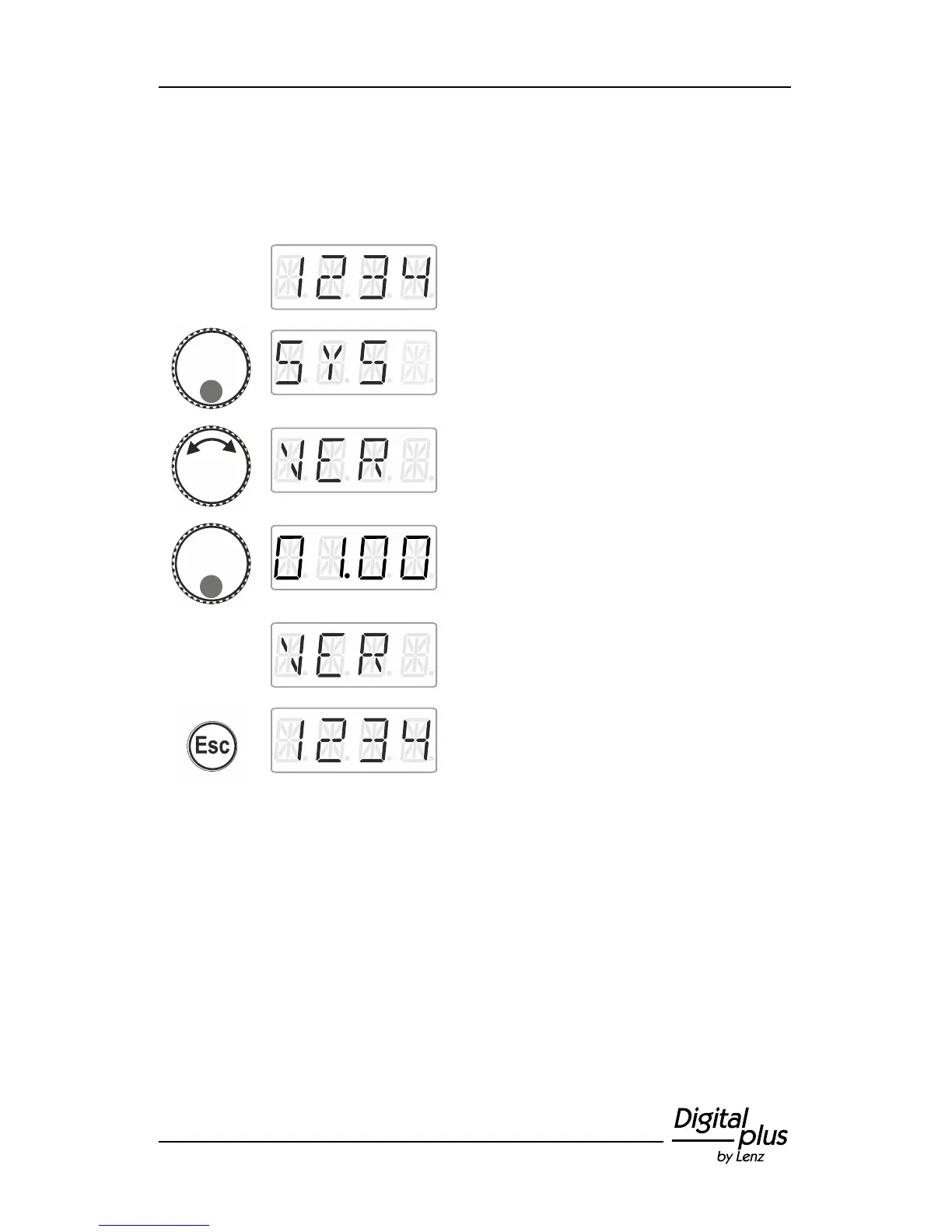
Proceed from ‘Locomotive control’ (address
or speed step are displayed)…
… press the bottom of the rotary knob until
the LED at the bottom shines.
‘SYS’ is displayed, followed by the first sub
menu of the system settings.
Press the bottom of the rotary knob to display
the version number of the LH01. Here:
version 1.0.
Release to display the system setting ‘VER’.
Turn the rotary knob to select another system
setting or …
… press 'Esc' to return to ‘Locomotive
control’.



 To Next Page