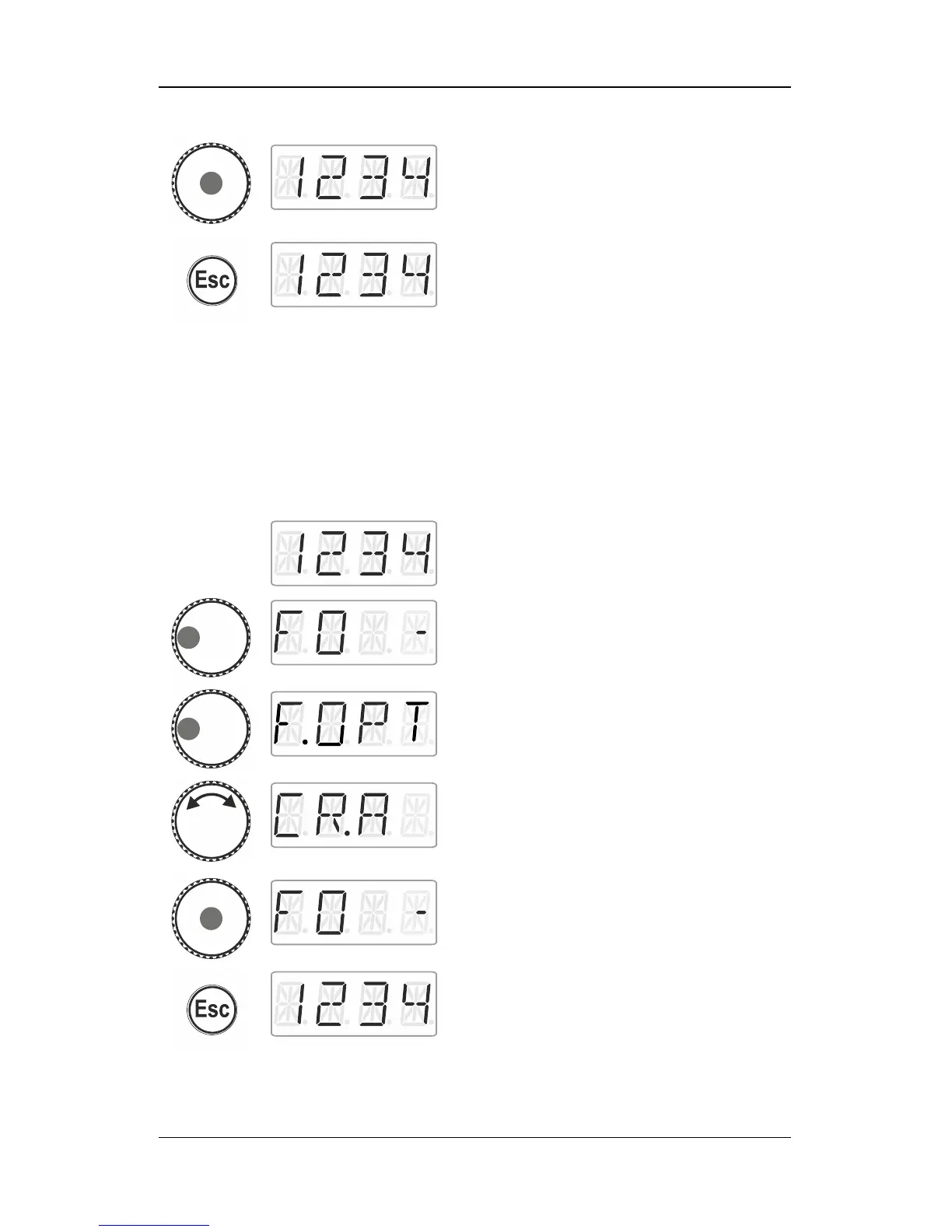
Click the centre of the rotary knob to save the
change to the acronym for the function.
Press ‘Esc’ to return to ‘Locomotive control’.
9.8 Deleting all function acronyms
You can delete all acronyms assigned to a locomotive address in a
single step.
Select the desired locomotive address for
which you would like to change an acronym
for a function.
Press the left side of the rotary knob until the
LED to the left shines.
Click left. ‘F.OPT’ is displayed.
Turn the rotary knob to select ‘CR:A’.
Click the centre of the rotary knob to delete all
acronyms.
You are back in the function menu.
Press ‘Esc’ to return to ‘Locomotive control’.



 To Next Page