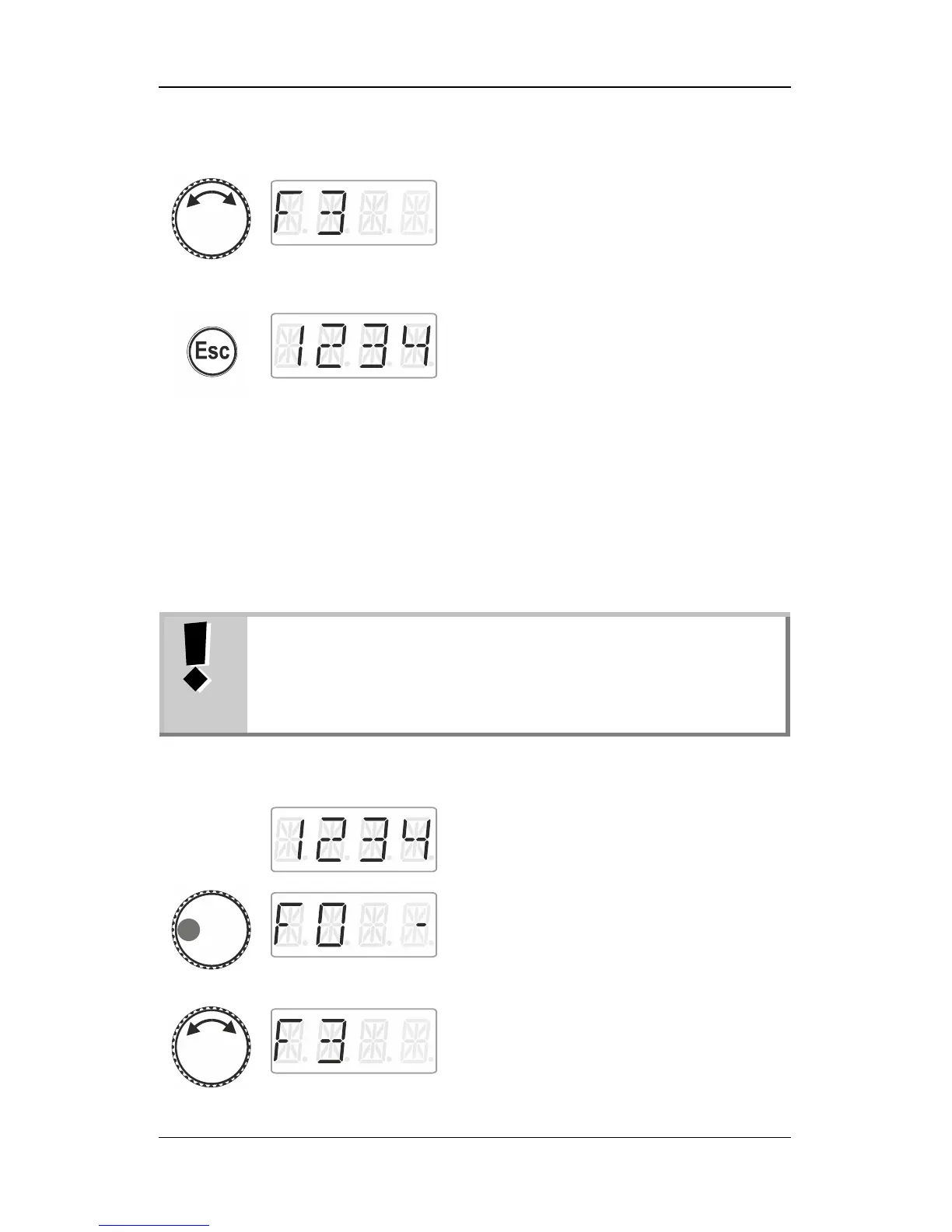
select another function for which you would
like to change a setting …
… press ‘Esc’ to return to ‘Locomotive
control’.
9.5 Assigning function acronyms to locomotive
functions
Always the same question: ‘Which function switches the interior
lighting?’
To make it easier to recall functions, you can assign an acronym to
each function.
The function acronym is stored in the LH01 with the
corresponding locomotive address in the stack. If you are
controlling the same locomotive address with another
LH01, the function acronyms will not be transferred
automatically.
Select the desired locomotive address to
assign an acronym to a function.
Press the left side of the rotary knob until the
LED to the left shines.
The locomotive function selected last is
displayed. A dash on the right indicates that
the function is enabled.
Turn the rotary knob to display the function to
which you would like to assign an acronym.



 To Next Page