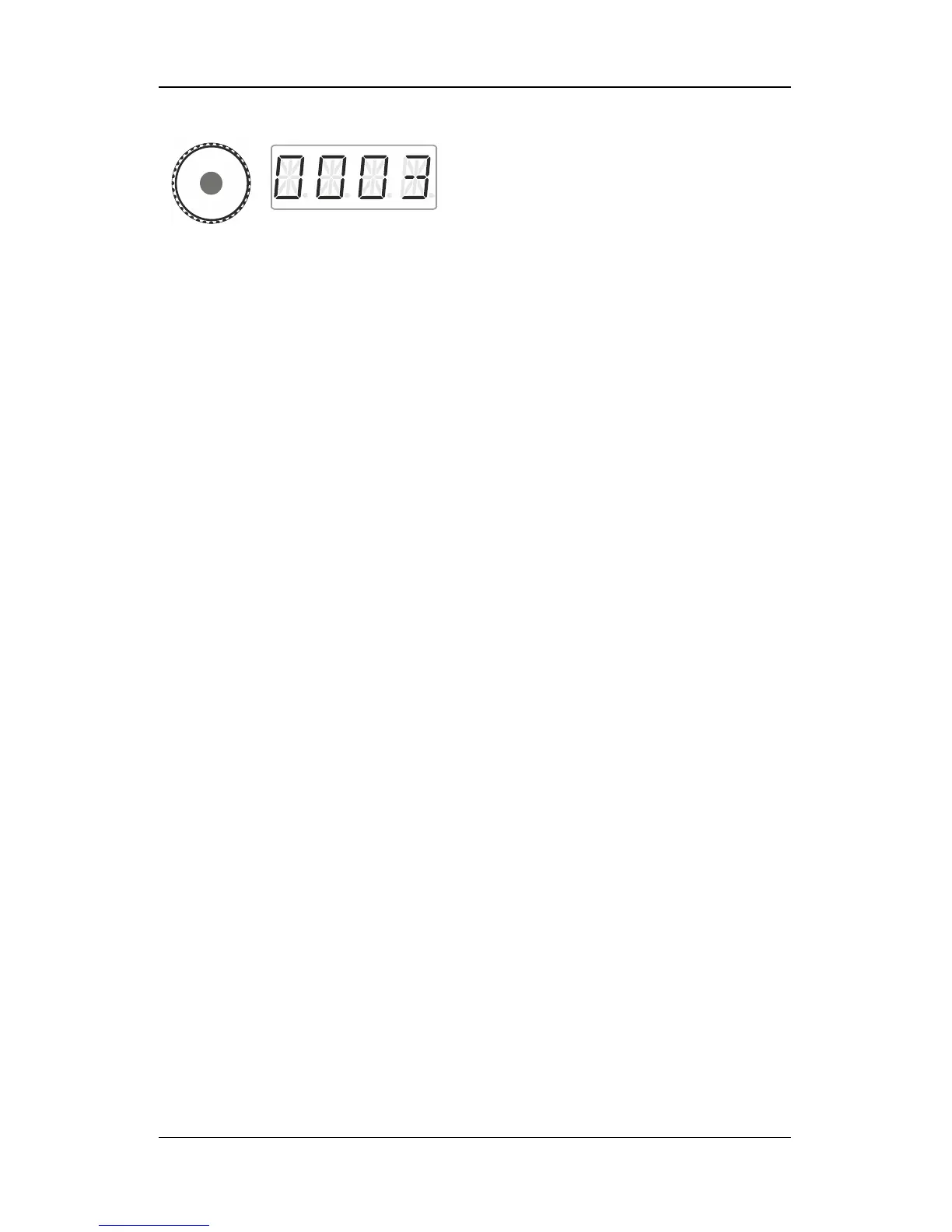
Press the centre of the rotary knob again to
delete the double traction.
The locomotives can now be controlled
separately.
10.4 Error messages during double tractions
When assembling a double traction you may receive the following
error messages:
- The locomotive address was not entered into the stack before
adding the locomotive to the double traction, or
- you tried to add a conventional locomotive (address 0) to a
double traction.
One of the two locomotives that you would like to add to the double
traction has already been called up by another manual control.
One of the two locomotives that you would like to add to the double
traction is already part of another double traction.
The speed step of one of the two locomotives was not set to 0 when
you assembled/deleted the double traction.
Press 'Esc' to return to ‘Locomotive control’.



 To Next Page