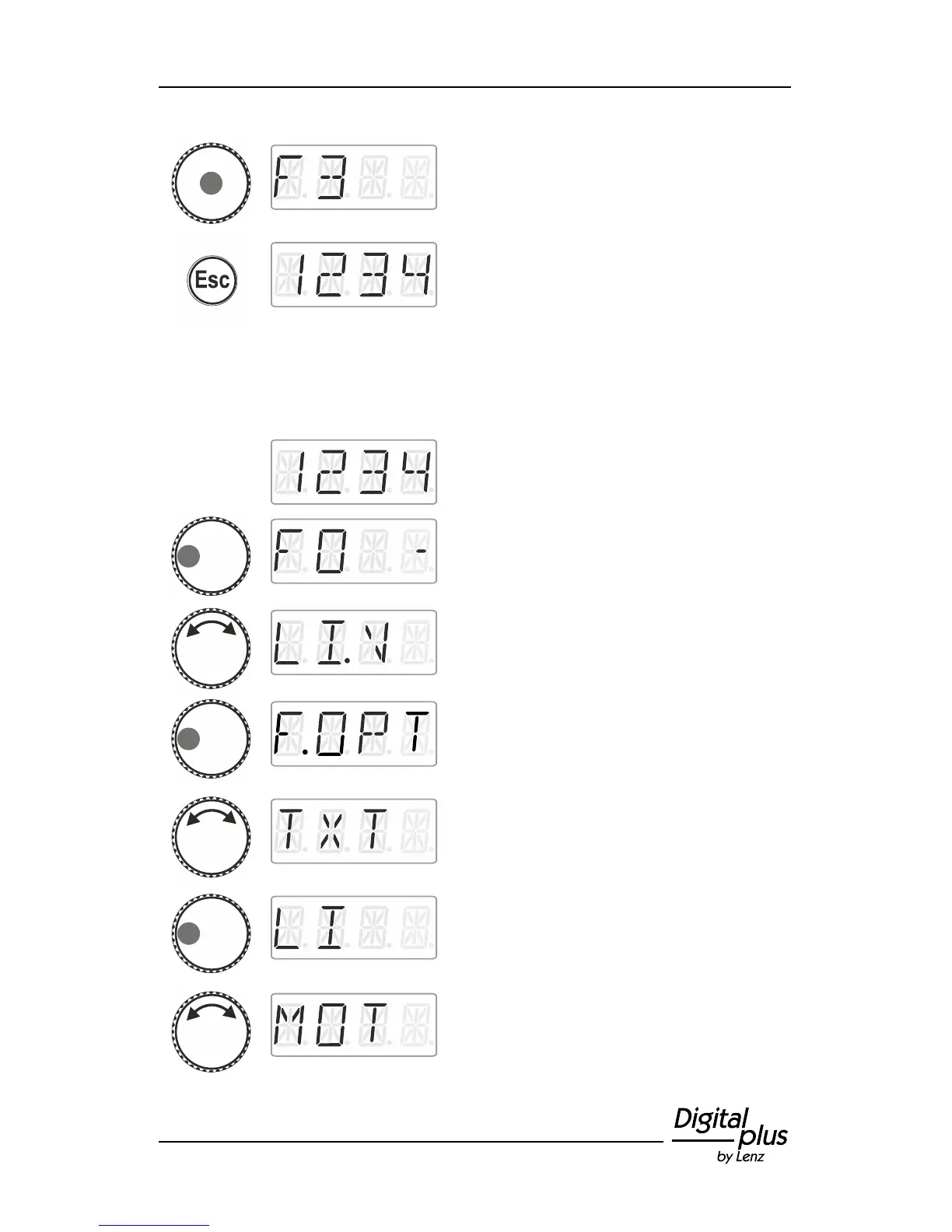
Click the centre of the rotary knob to delete
the assignment. The function number is
displayed again.
Press ‘Esc’ to return to ‘Locomotive control’.
9.7 Changing a function acronym
Select the desired locomotive address for
which you would like to change an acronym
for a function.
Press the left side of the rotary knob until the
LED to the left shines.
Turn the rotary knob to display the function
whose acronym you would like to change.
Click left. ‘F.OPT’ is displayed.
Turn the rotary knob to select ‘TXT’.
Click left. The first possible name is
displayed.
Turn the rotary knob to select the desired
name from the list.



 To Next Page