13.4 Resetting the LH01
This system setting resets the factory settings of the LH01.
Resetting the LH01 to the factory settings will delete all
settings made!
- The stack is assigned addresses 1, 2, and 3.
- The function keys are assigned functions F0, F1 and
F2 for these addresses.
- The XpressNet address is set to 3.
- All acronyms are deleted.
- The language is set to German.
- The brightness is set to 100%.
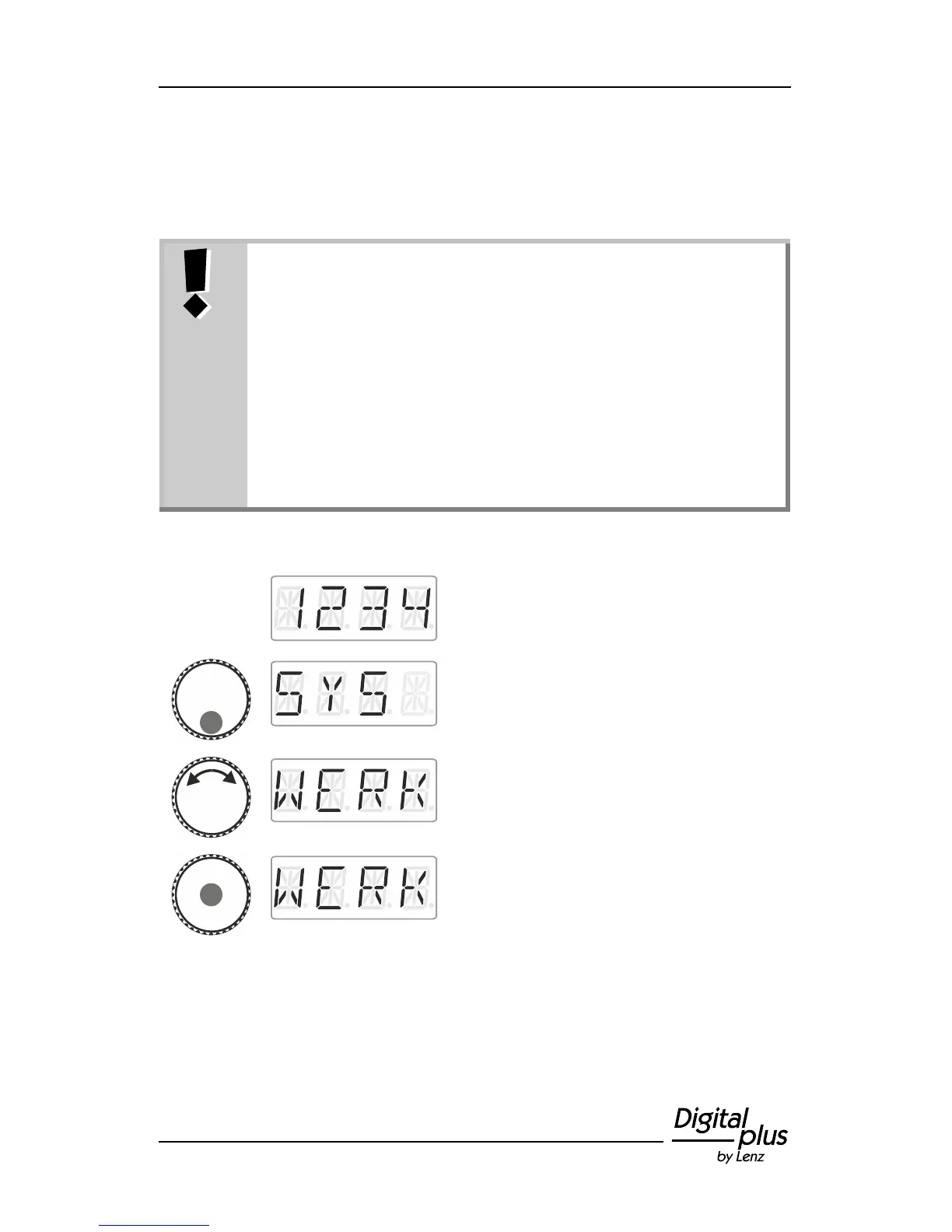
Proceed from ‘Locomotive control’ (address
or speed step are displayed)…
… press the bottom of the rotary knob until
the LED at the bottom shines.
‘SYS’ is displayed, followed by the first sub
menu of the system settings.
Click the centre of the rotary knob. ‘WERK’
flashes in the display. Press 'Esc' to cancel
the resetting process.



 To Next Page