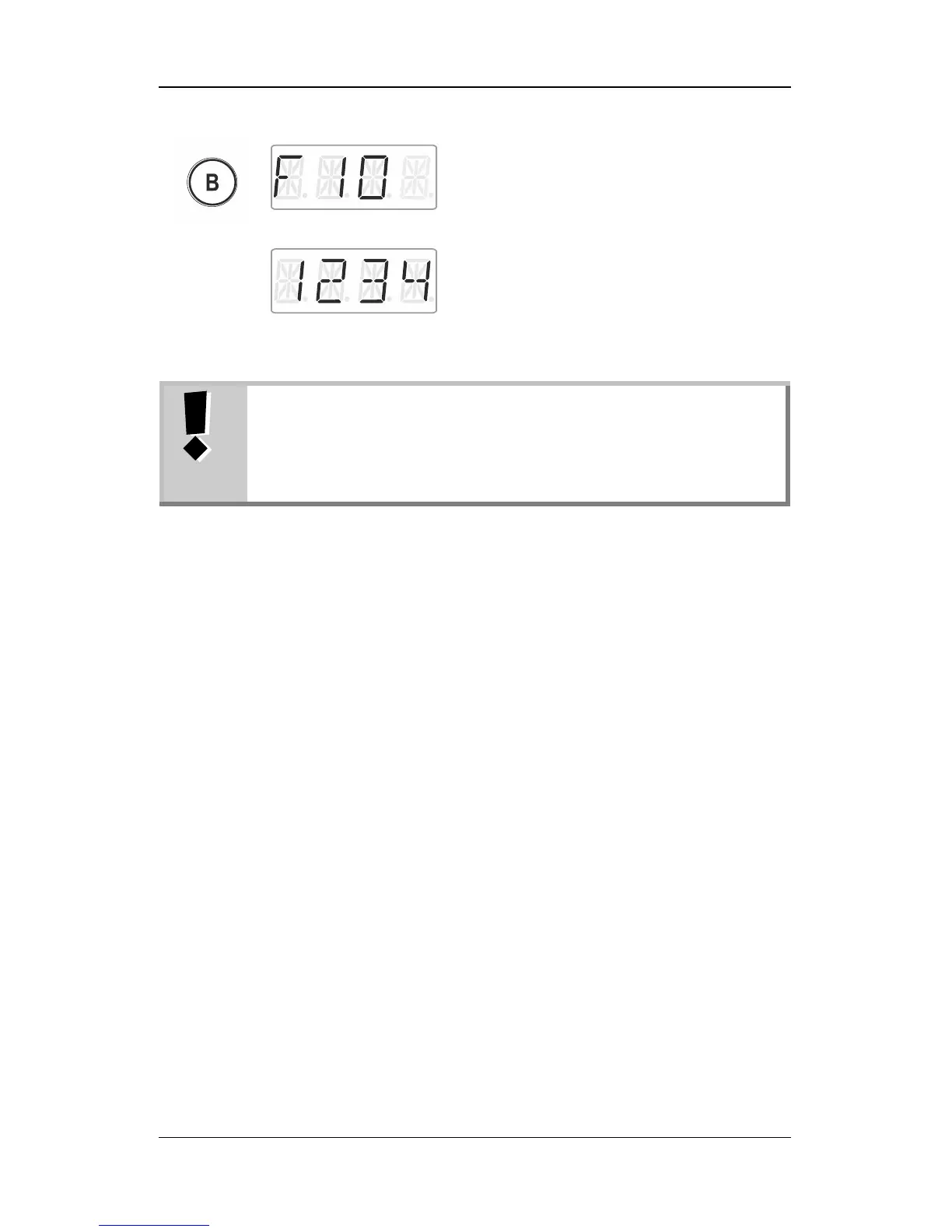
Keep the desired function key pressed until
the display of the locomotive function flashes.
The function has been assigned to this key.
Release the rotary knob to display the
locomotive address. You are back in the
menu ‘Locomotive control’.
If you delete a locomotive address from the stack, you will
also delete the assignments of the function keys for this
address.
If you re-enter the locomotive address into the stack, you
will need to re-assign the function keys (p. 24).
9.4 Setting a locomotive function to permanent or
temporary operation
You can set functions F1 to F28 to permanent or temporary operation.
Press the key once to enable
the function and twice to disable
the function.
This function is enabled as long
as the corresponding key is
pressed. As soon as the key is
released, the function is
disabled.



 To Next Page