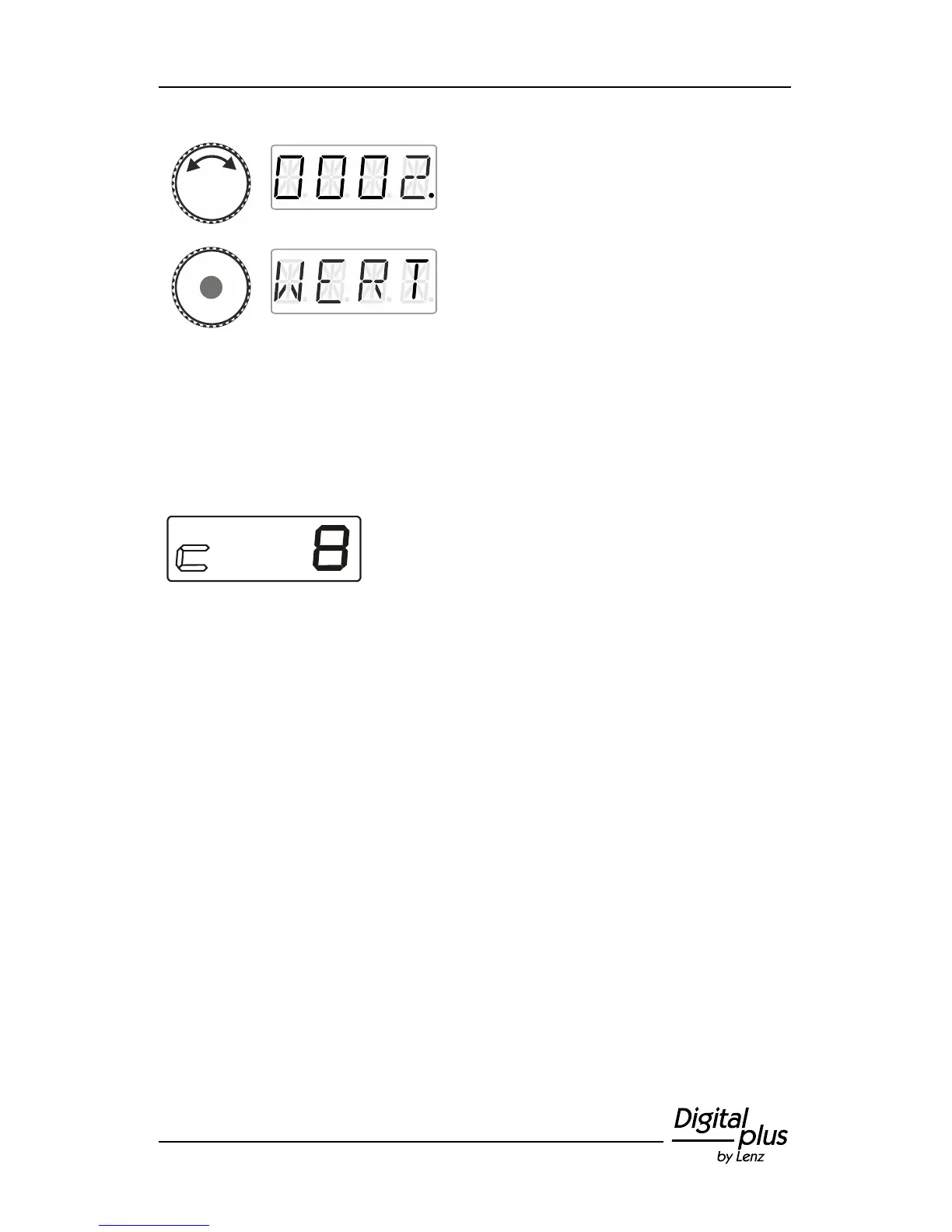
Turn the rotary knob and enter the value of
the CV that you would like to read or change.
Proceed as described under setting a
locomotive address (p. 16). The initial value
suggested is CV2.
Press the centre of the rotary knob to send a PoM read command to
the decoder which will transmit the content of the CV via RailCom.
The address display LRC120 will receive this information and display
it for approx. 3 seconds ('c' is flashing on the left of the display, the
value is shown on the right).
(Display of the LRC120)



 To Next Page