Starting up the device – Basic configuration
Leuze electronic GmbH + Co. KG BPS 307i 56
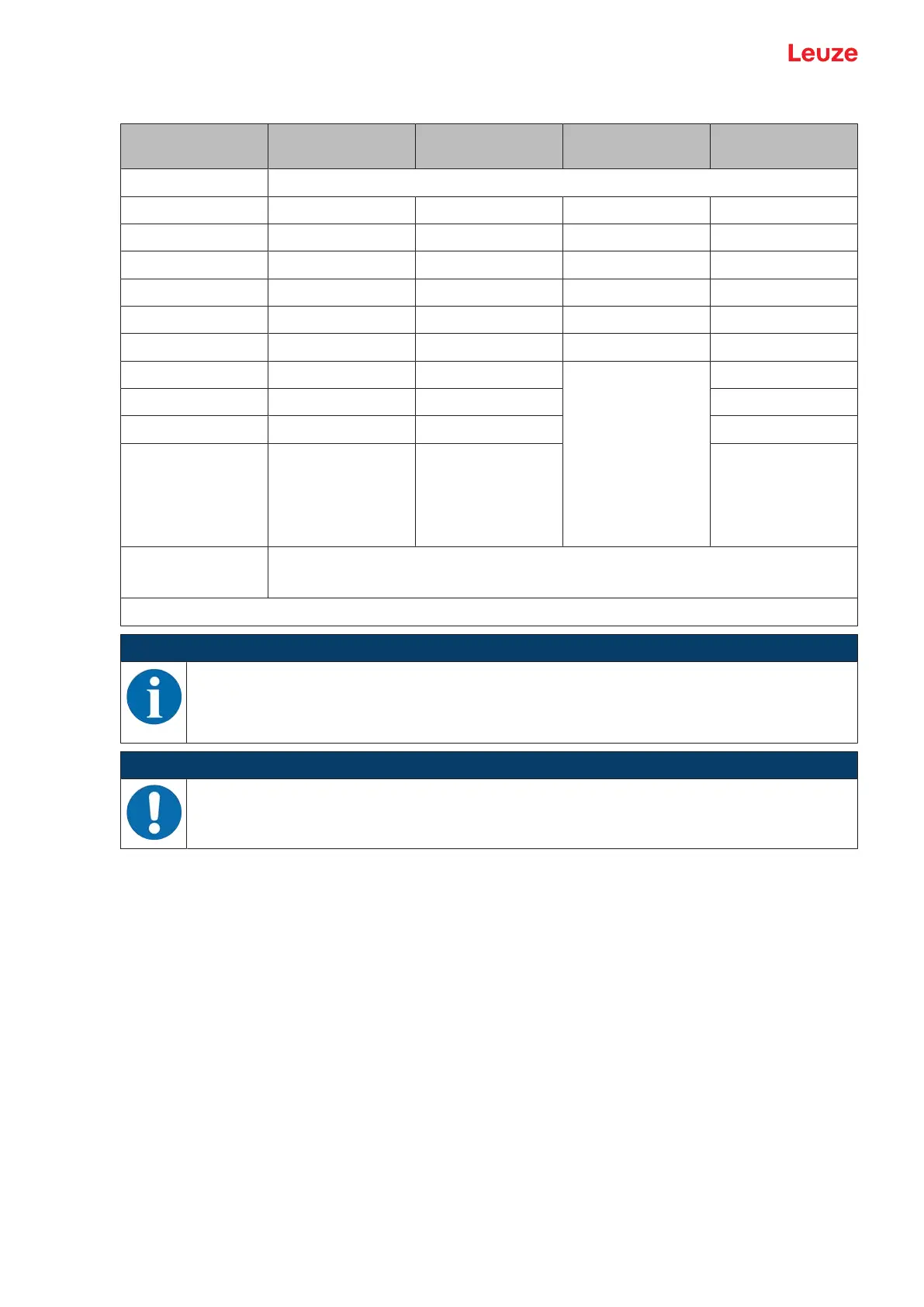
Tab.8.1: Configuration via rotary switch S2
Switch position Position resolu-
tion [mm]
Maximum speed
[m/s]
Level of the
switching output
Speed monitoring
0 Configuration via webConfig tool
1 0.01 webConfig webConfig webConfig
2 0.1 webConfig webConfig webConfig
3 1 webConfig webConfig webConfig
4 10 webConfig webConfig webConfig
5 webConfig webConfig webConfig webConfig
6 webConfig webConfig webConfig webConfig
7 webConfig 0.7 • HIGH
Current speed
Below maxi-
mum speed
• LOW
Current speed
Above maxi-
mum speed
Activated
8 webConfig 2 Activated
9 webConfig 3 Activated
A webConfig 4 Activated
F Factory setting of the configuration parameters
Notice: Switch S1 must be set to switch position Gray encoding.
webConfig: The parameter value set via the webConfig tool is used.
NOTICE
All parameters that are not influenced by the position of the switch are configured via the web-
Config tool; see chapter 9 "Starting up the device – webConfig tool".
In rotary switch positions 7, 8, 9 or A, the webConfig tool can be used, e.g., to change the reso-
lution of the position measurement or invert the mode of the switching inputs/outputs.
NOTICE
Rotary switch S2 on 0 if configuring with the webConfig tool!
Ä To configure the BPS with the webConfig tool, rotary switch S2 on connection hood MK307
or MS307 must be set to switch position 0.
8.7 Setting configuration parameters to factory settings
Proceed as follows:
Ä Set slide switch S1 to switch position Gray encoding.
Ä Set rotary switch S2 to switch position F.
Ä Restart the BPS.
ð The current parameter set of the BPS is overwritten with the parameter set containing the factory set-
tings.



 To Next Page