Configuration / device parameters
Leuze electronic BPS 8 65
TNT 35/7-24V
If no device is selected, only the terminal is available. Its interface settings are available
under Options -> Communication…. They can also be selected by clicking on the commu-
nication parameters displayed in the lower status bar.
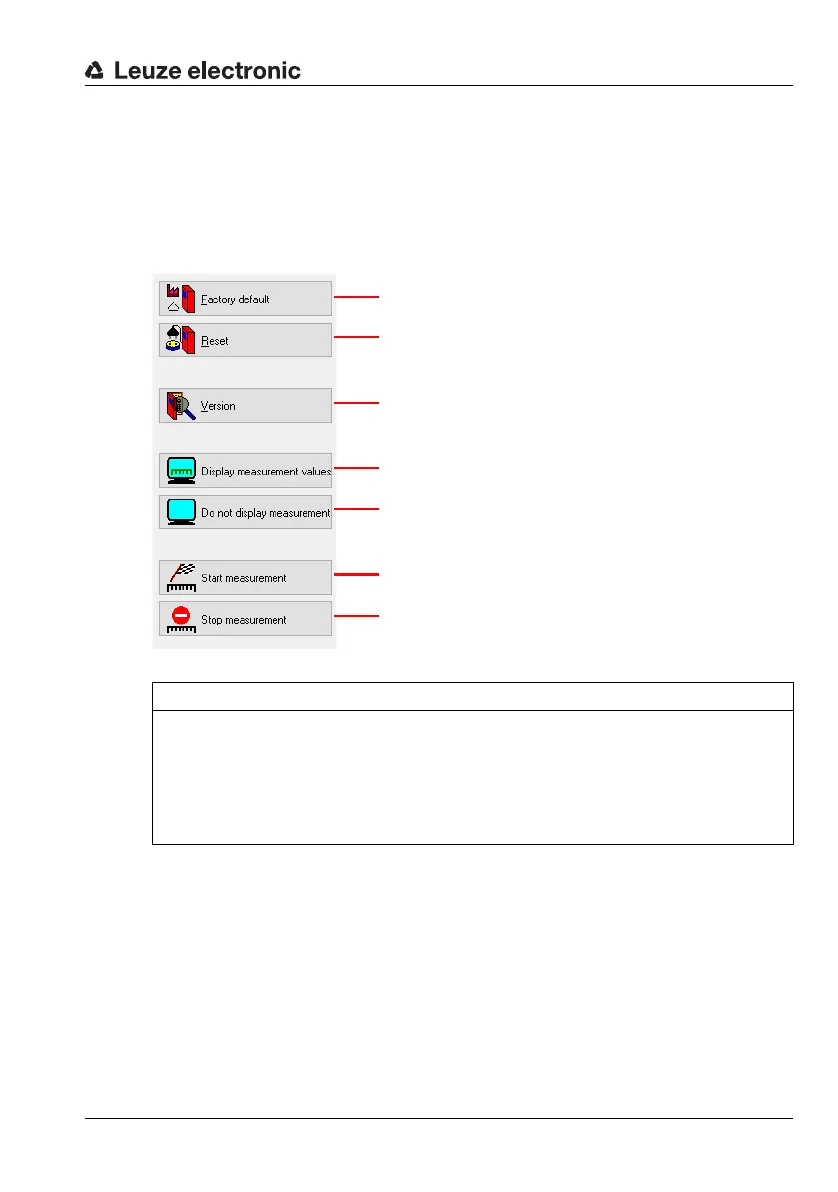
Standard commands
The right third of the terminal window shows the following symbols for direct online
commands:
NOTE
Switching between online and offline configuration!
Please note that the device settings are not always displayed with their current values
if one changes between online and offline configuration.
If a parameter is edited using an online command, the change is only displayed in the
graphical menu (and thus stored in the project) once the edited parameters have been
uploaded from the device!
Sets all parameters in the device to the factory settings!
Software reset
Version query
Displays the measurement values on the terminal
Does not display the measurement values on the terminal
Starts the measurement process
Ends the measurement process



 To Next Page