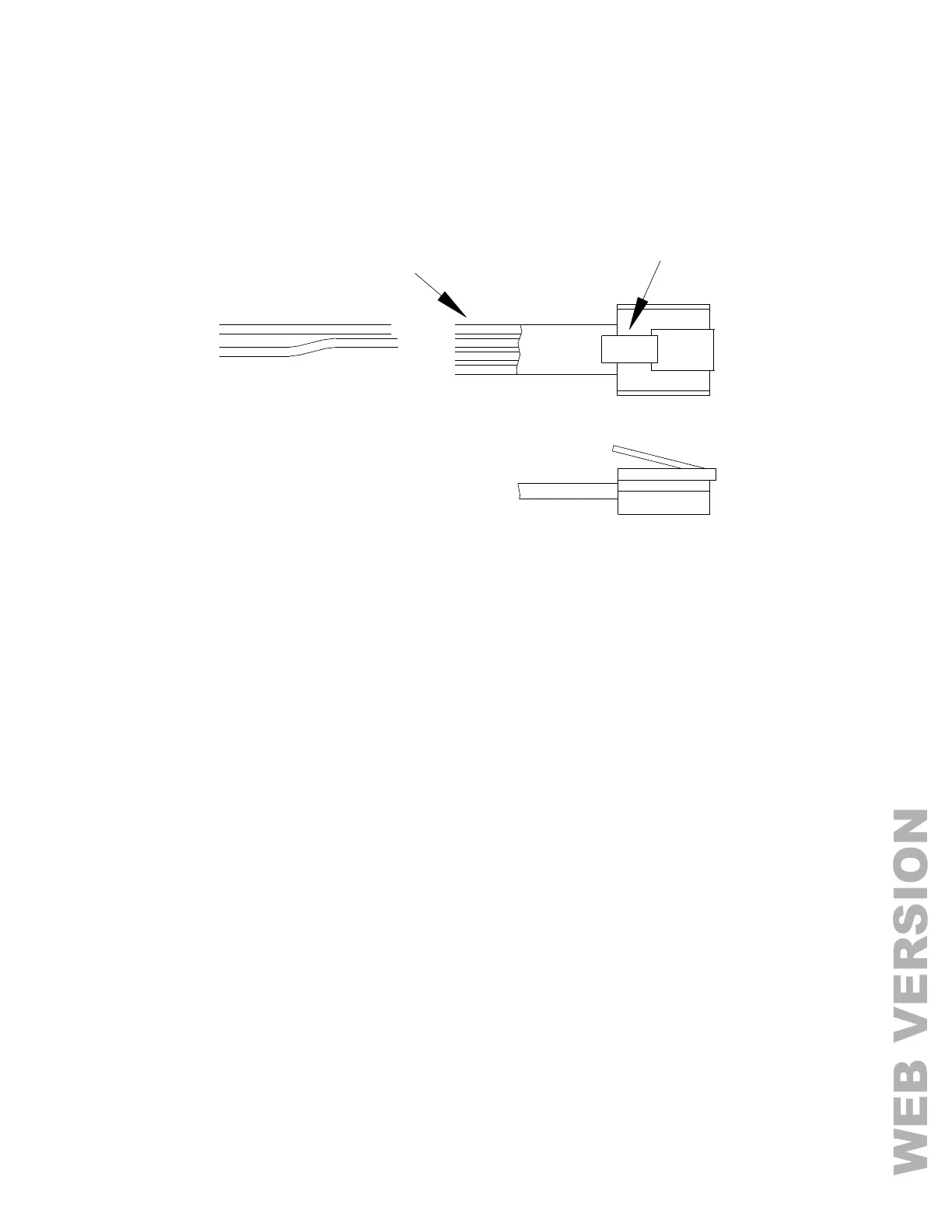
FIGURE 15 - RS-485 CONNECTIONS
BUILT-IN ETHERNET PORT
Omni LTe has an Ethernet port (J6) built onto the controller (labeled ETHERNET). The Ethernet port allows a device
to connect to the Omni LTe controller via a network (i.e. Ethernet, Internet) using a secure, encrypted communication
link. The Ethernet port transports application-level packets containing protocol messages over IP.
CONTROLLER IP ADDRESS, PORT NUMBER, AND ENCRYPTION KEY
The controller’s local IP address and port number set the local network parameters for the Omni LTe controller. The
encryption key is used to establish a private, secure connection with the connected device.
The following Setup items can only be assigned and changed from an Omni console. These items cannot be
assigned or changed via PC Access; although the IP address and port number may be viewed via PC Access:



 To Next Page