Repair Information 4-11
4025-XXX
Operator Panel
Removal
1. Remove the Top Cover.
2. Disconnect the P/J417 from the Operator Panel.
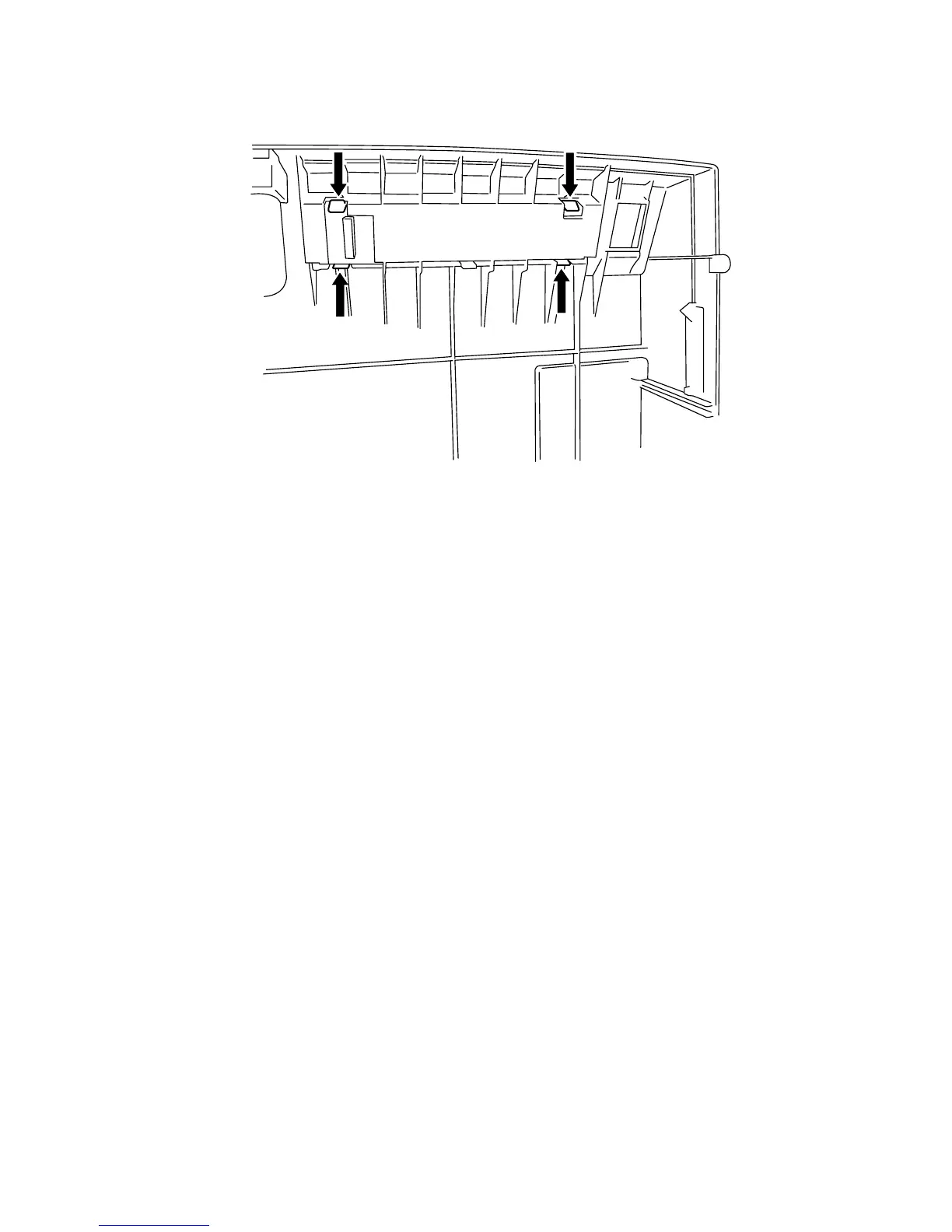
3. Push in on the four tabs securing the Operator Panel to the Top Cover, while you
press the Operator Panel out of the Cover.
Replacement
1. Position the Operator Panel over the opening in the Top Cover Assembly, and press
the Panel into the opening. The Operator Panel snaps into place.
2. Reconnect P/J417.
3. Reinstall the Top Cover.



 To Next Page