4-68 Service Manual
4025-XXX
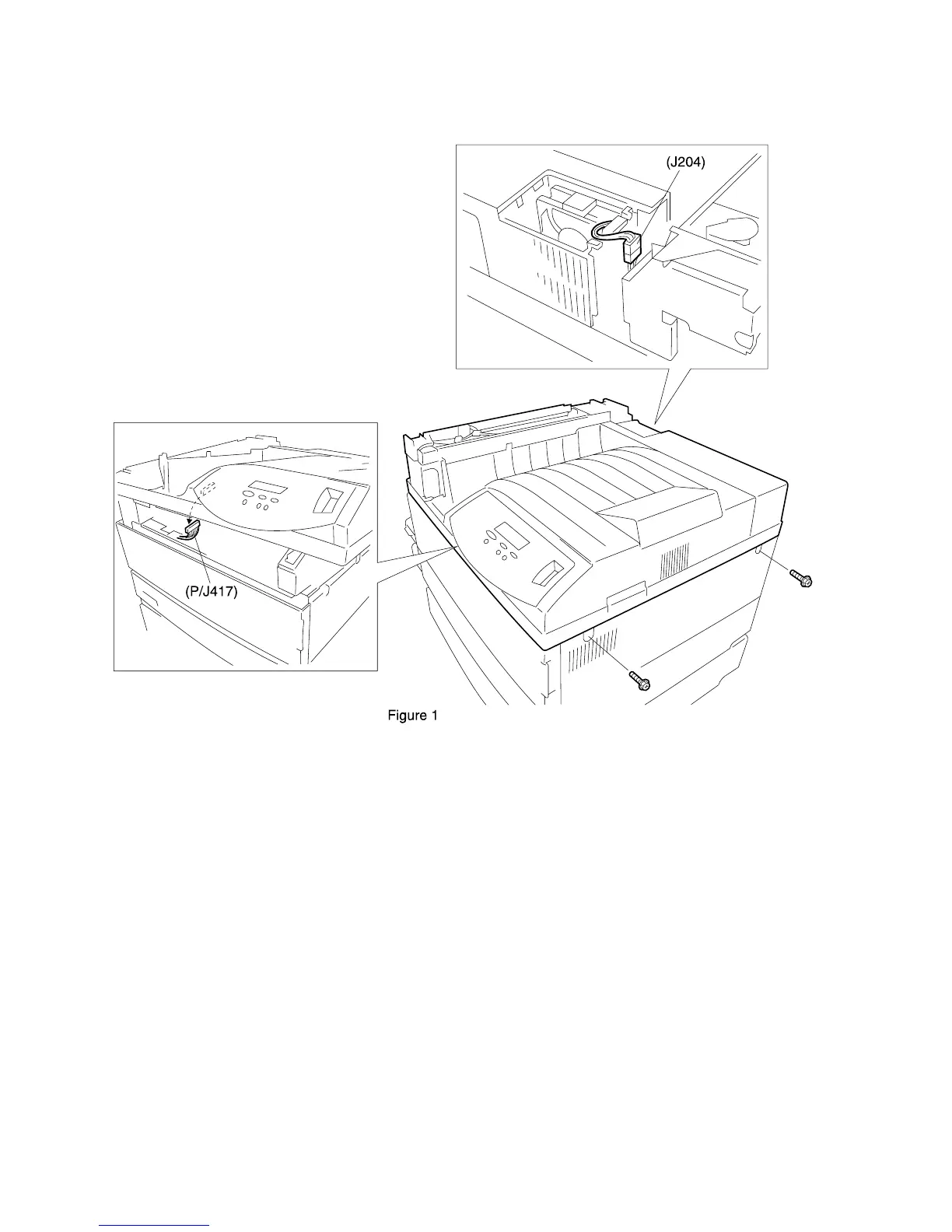
Fuser Fan
Removal
1.
Unplug the AC Power Cord from the rear of the printer.
2. Remove the Fuser Full Cover.
3. Disconnect J204 from the Fuser Fan.
4. Remove the Fuser Fan.
Replacement
1. Unplug the AC Power Cord from the rear of the printer.
2. Reconnect J204 to the Fuser Fan.
3. Reinstall the Fuser Fan.
4. Reinstall the Fuser Full Cover.



 To Next Page