Repair Information 4-49
4025-XXX
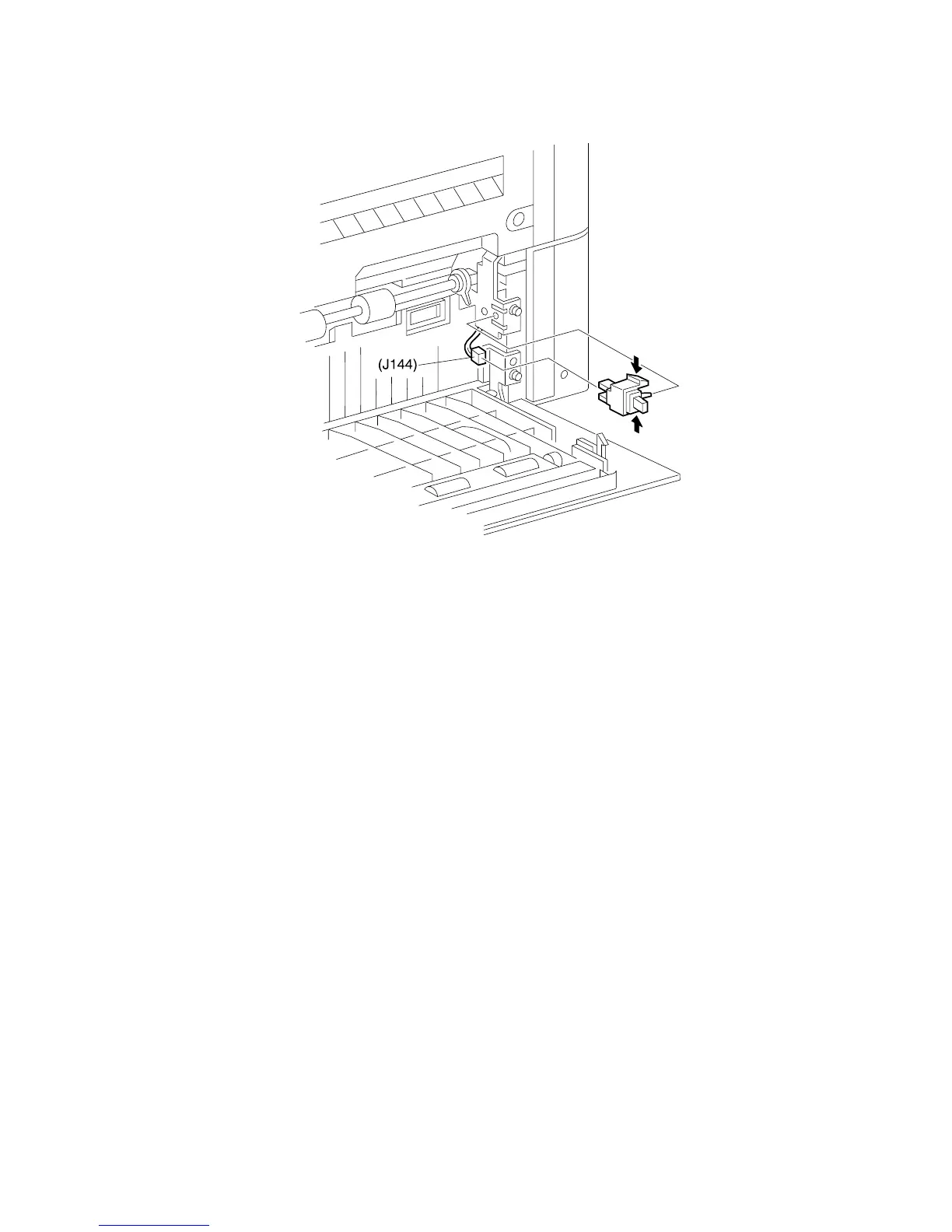
Left Lower Cover Interlock Switch
Removal
1. Open the Left Lower Cover.
2. Squeeze the sides of the Switch and pull it away from the printer frame.
3. Disconnect J144.
Replacement
1. Reconnect J144.
2. Squeeze the sides of the Switch while inserting the locating tab on the Switch into
the opening in the frame.
3. Release the sides of the Switch and press it into the frame.
4. The Switch snaps into place.
5. Close the Left Lower Cover.



 To Next Page