Repair Information 4-97
4025-XXX
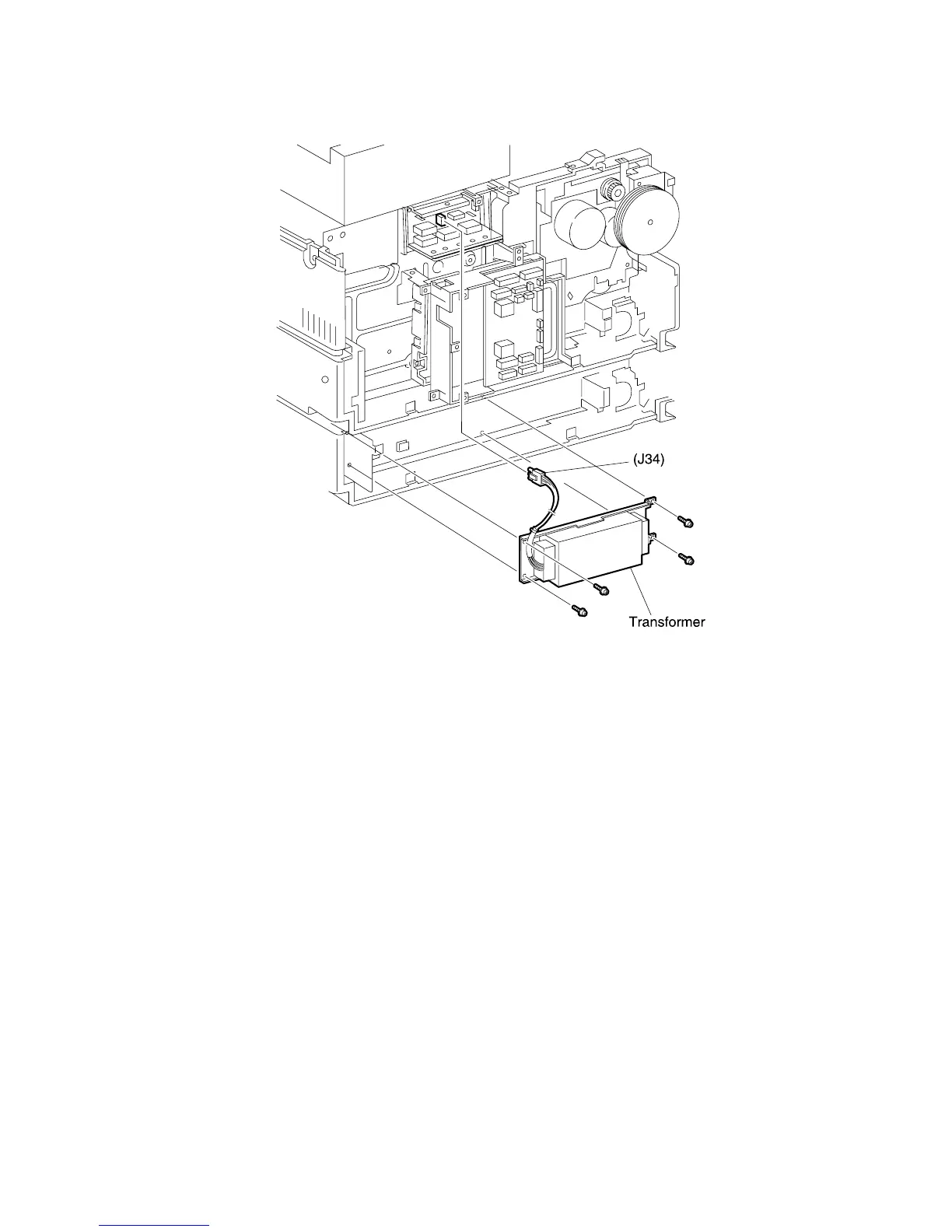
220VAC Transformer
Removal
1. Remove the Rear Cover.
2. Disconnect P/J34 from the AC Driver PWB.
3. Remove the four screws securing the 220 VAC Transformer to the printer frame and
remove the Transformer.
Replacement
1. Position the 220 VAC Transformer against the printer frame as shown.
2. Use four screws to secure the Transformer to the printer frame.
3. Reconnect P/J34 to the AC Driver PWB.
4. Reinstall the Rear Cover.



 To Next Page