4-76 Service Manual
4025-XXX
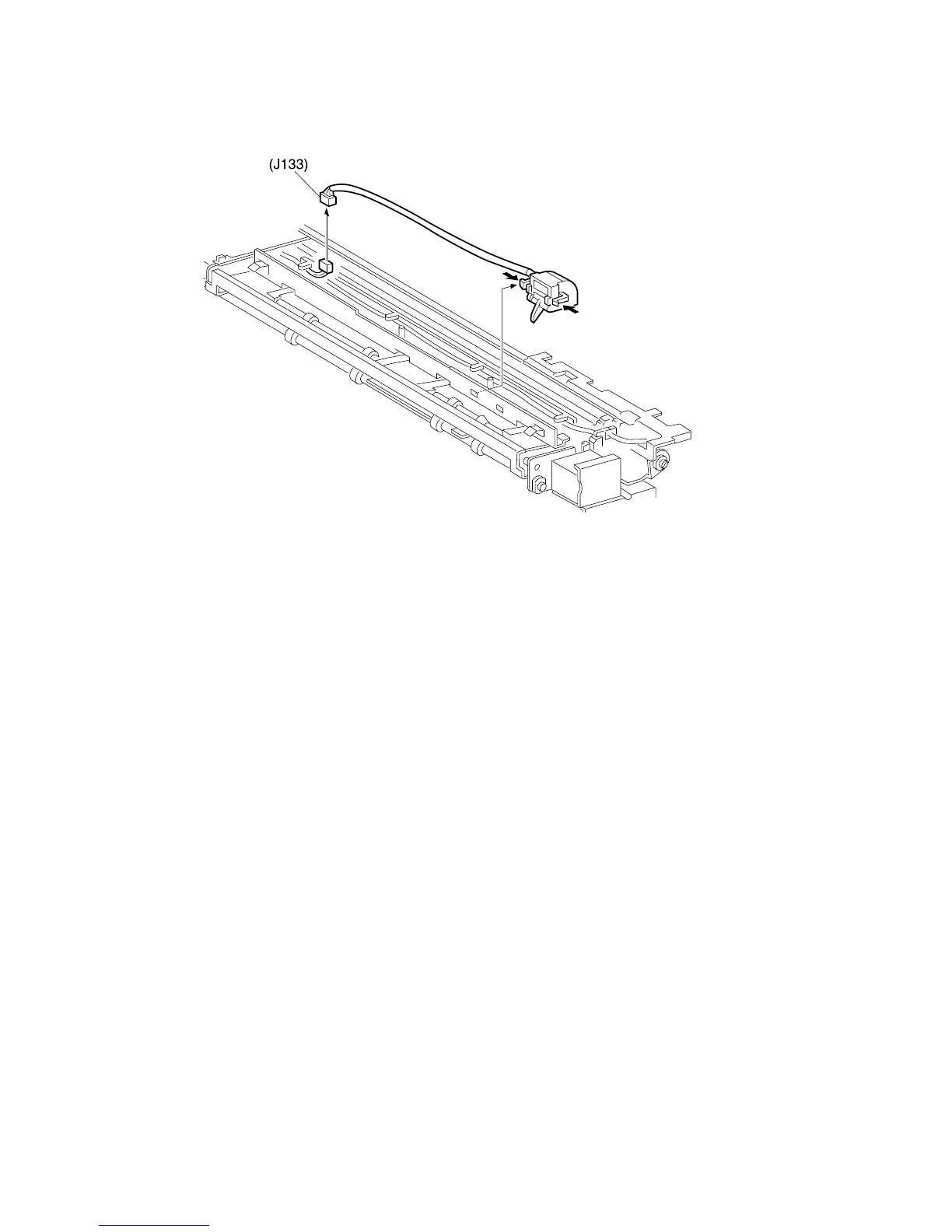
Full Stack Sensor
Removal
1. Remove the Fuser Full Cover.
2. Disconnect J133 and remove the wire harness from the harness clips.
3. Press the latches to unlock the Full Stack Sensor.
4. Remove the Full Stack Sensor from the Offset Assembly.
Replacement
1. Reinstall the Full Stack Sensor by pressing the Sensor latches into the cutouts in the
Offset Assembly. Make sure you install the Sensor with the wire positioned to the
rear of the Offset Assembly and the Sensor actuator is moving freely through the
cutout below the Sensor.
2. Reconnect J133 and secure the wire harness under the harness clips.
3. Reinstall the Fuser Full Cover.



 To Next Page