General Information 1-55
4025-XXX
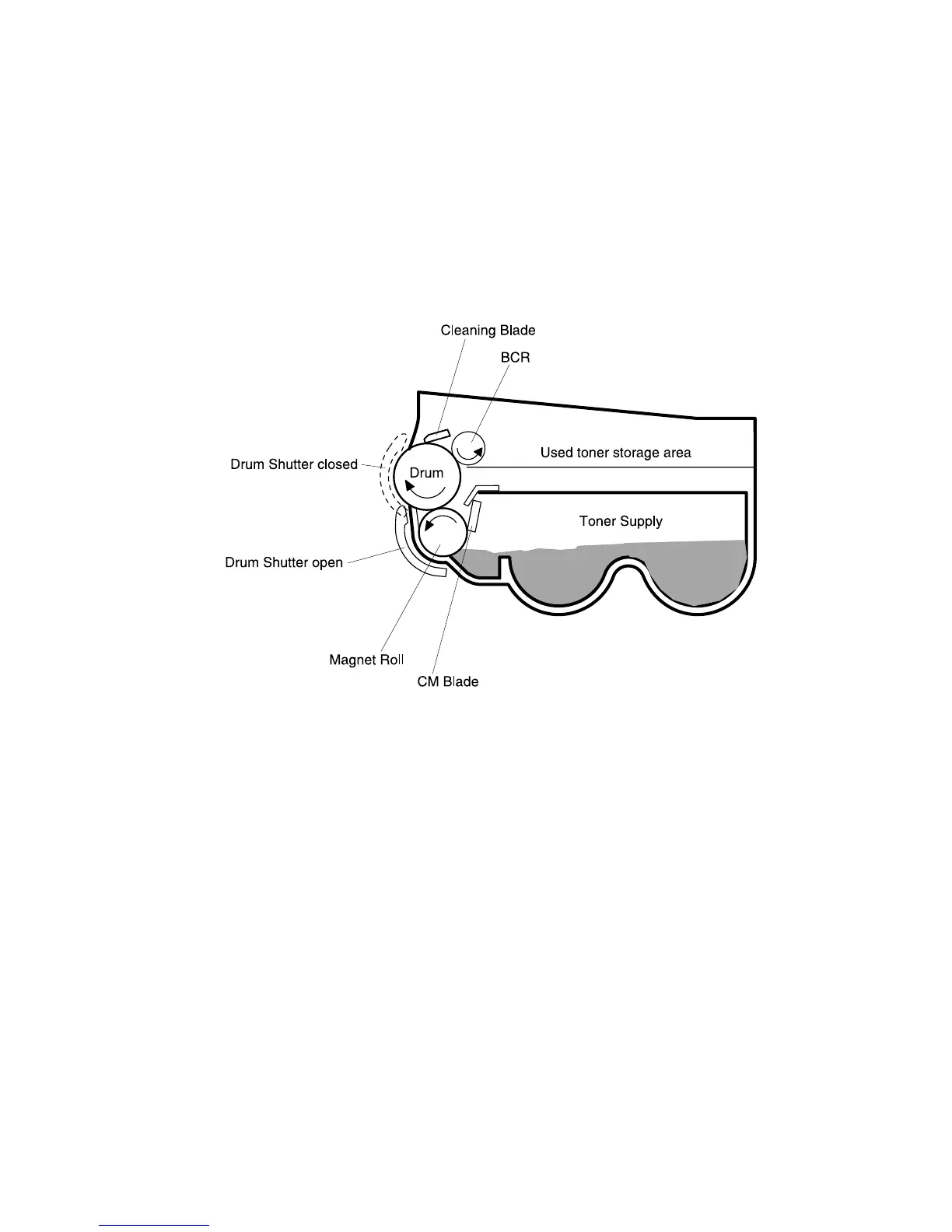
9. Cleaning Blade
The Cleaning Blade rides the surface of the rotating drum, removing any residual
toner left from the previous print cycle.
10. Drum Shutter
The Drum Shutter protects the drum from damage by light or contamination. When
the EP Cartridge is in the printer and the Left Upper Cover is closed, the Drum
Shutter opens to expose the drum surface. When the EP Cartridge is out of the
printer or the Left Upper Cover is open, the Drum Shutter closes.



 To Next Page