3. AC Smart Menu
AC Smart
3-72
DB management
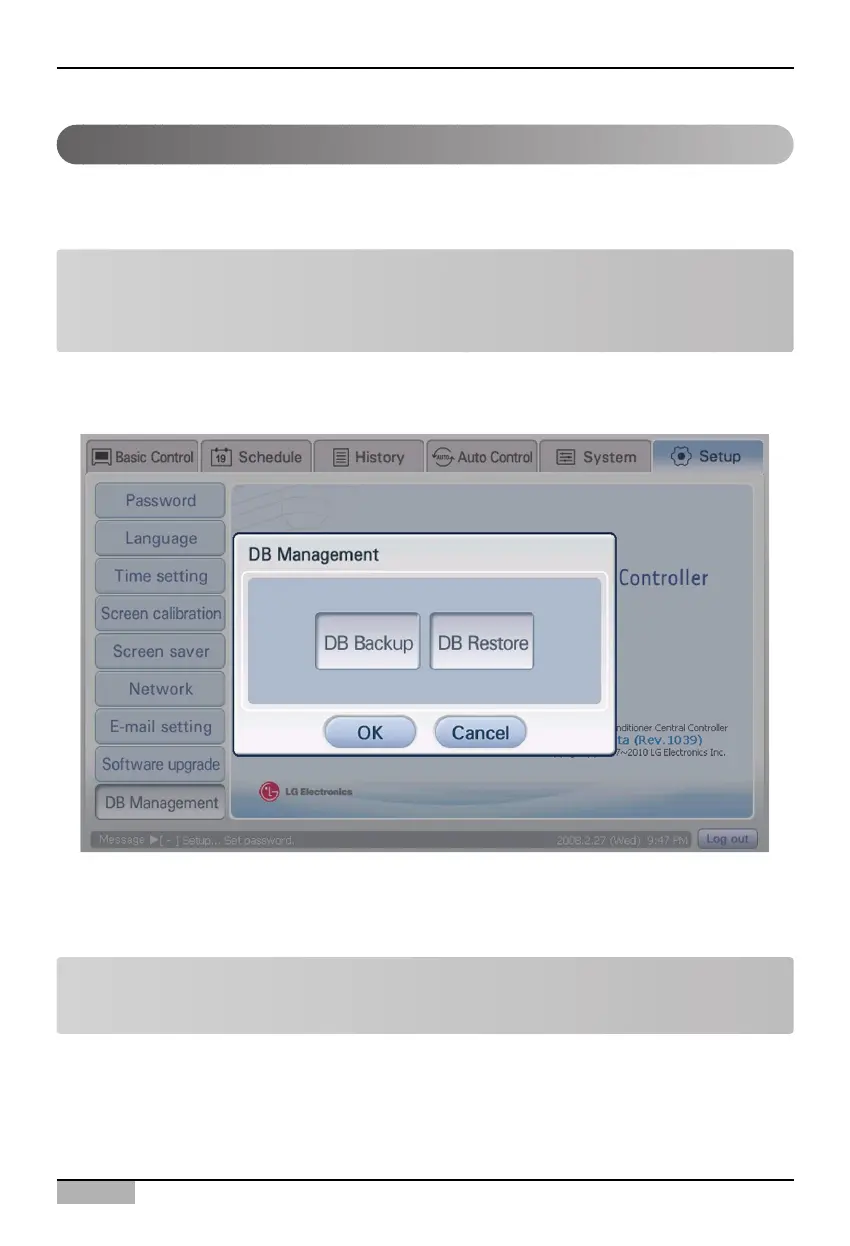
The AC Smart can back up the critical database of the AC Smart to the USB memory or restore the
database stored at the USB memory to the AC Smart.
When the ‘DB management’ menu from the sub-menus of the Environment setting menu is selected,
the ‘DB management’ screen is displayed for backing up or restoring the database.
Note: Limit the right to set
The ‘DB management’ function can be set only when logging in as installation professional. This
menu is inactivated when logged in with other rights.
When you press [DB backup] or [DB recovery] button after connecting the USB port of the AC Smart
to the USB memory, the backup or recovery procedure of the database is automatically performed
according to the said button.
Note: System rebooting
After restoring the database, the AC Smart is rebooted.












 To Next Page