4. Operating AC Smart
Installation/Owner's Manual
4-145
Environment setting
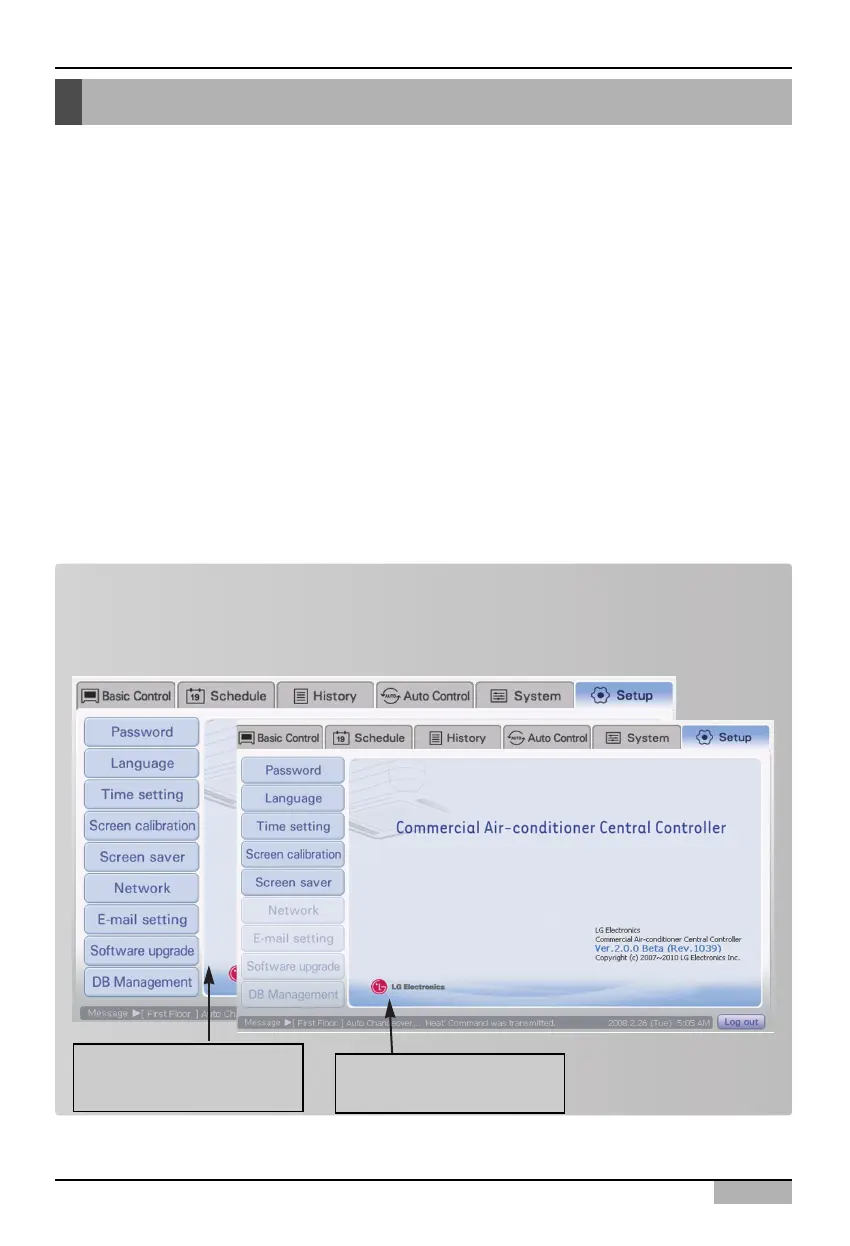
You can check and perform the environment setting function necessary for operating the AC Smart at
the Environment setting menu. The following functions can be set at the Environment setting menu.
• Check the S/W version information of the AC Smart
• Set and change the password to log into the AC Smart
• Set the language by country and the temperature display unit (Centigrade, Fahrenheit) displayed
on the AC Smart screen
• Set the AC Smart system time
• Set the coordinate screen calibration for the touch pad
• Set the screen saver and the backlight for protecting the LCD
• Set the network information for the web server function
• Set the e-mail for notifying the administrator of the error
• Upgrade the S/W
• Save and restore the database for protecting the critical information
This section describes how to use the Environment setting menu to check and set the operating
environment of the AC Smart.
Note: Limit the right to set
Network, Set E-mail, Upgrade S/W and Manage DB functions can be set by logging in as
installation professional. The menu is inactivated when logged in with other rights.
Logging in as installation
professional
Logging in as
administrator












 To Next Page