3. AC Smart Menu
Installation/Owner's Manual
3-71
S/W upgrade
The AC Smart can upgrade the software of the AC Smart by using the USB memory.
Connect the USB memory containing the S/W image of the AC Smart to the USB of the AC Smart.
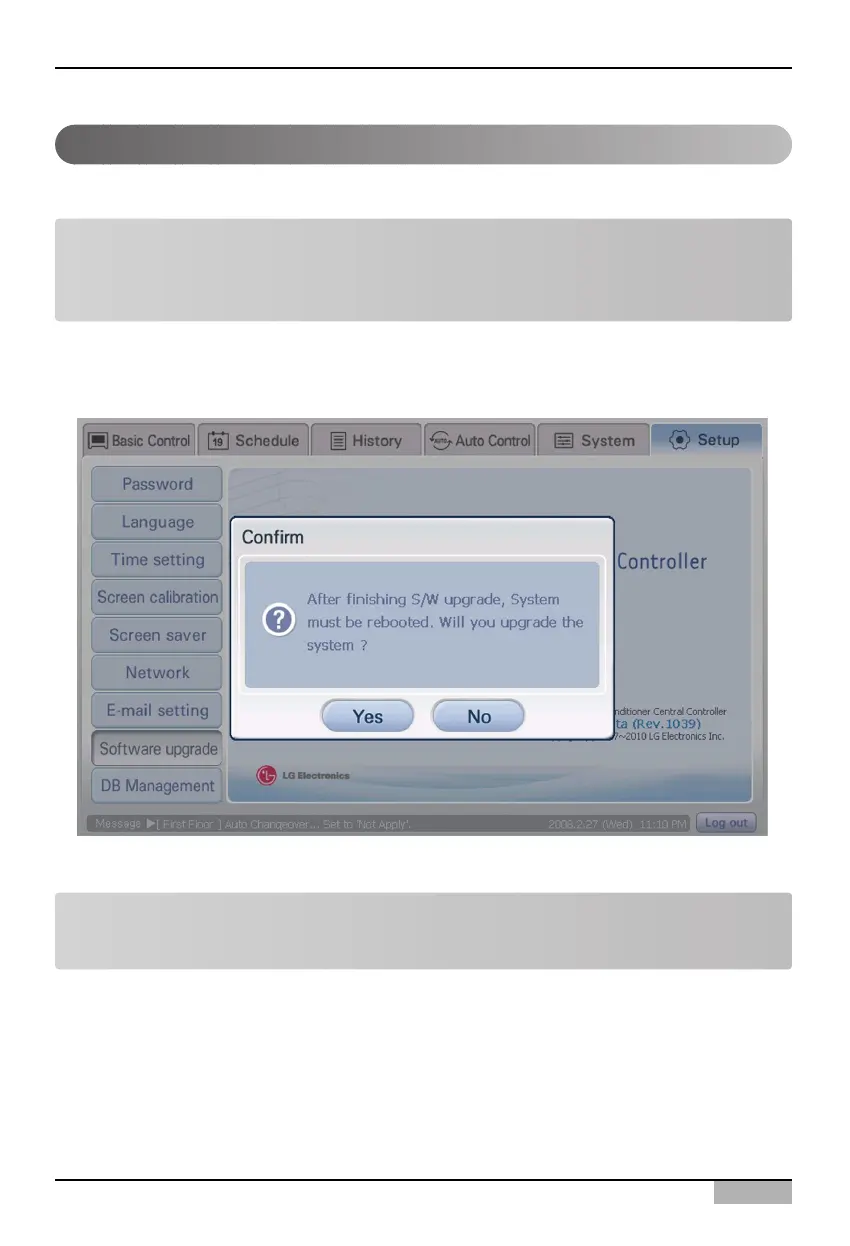
And then, when you select ‘S/W upgrade’ menu from the sub-menus of the Environment setting menu,
the window for upgrading the software is displayed.
Note: Limit the right to set
The ’S/W upgrade’ function can be set only when logging in as installation professional. This menu
is inactivated when logged in with other rights.
After the procedure to re-confirm the S/W upgrade, the software upgrade is automatically executed.
Note: System rebooting
After upgrading the S/W, the AC Smart should be rebooted.












 To Next Page