4. Operating AC Smart
Installation/Owner's Manual
4-147
Setting the password
Only the user with the right to access the AC Smart should be able to set and control the AC Smart.
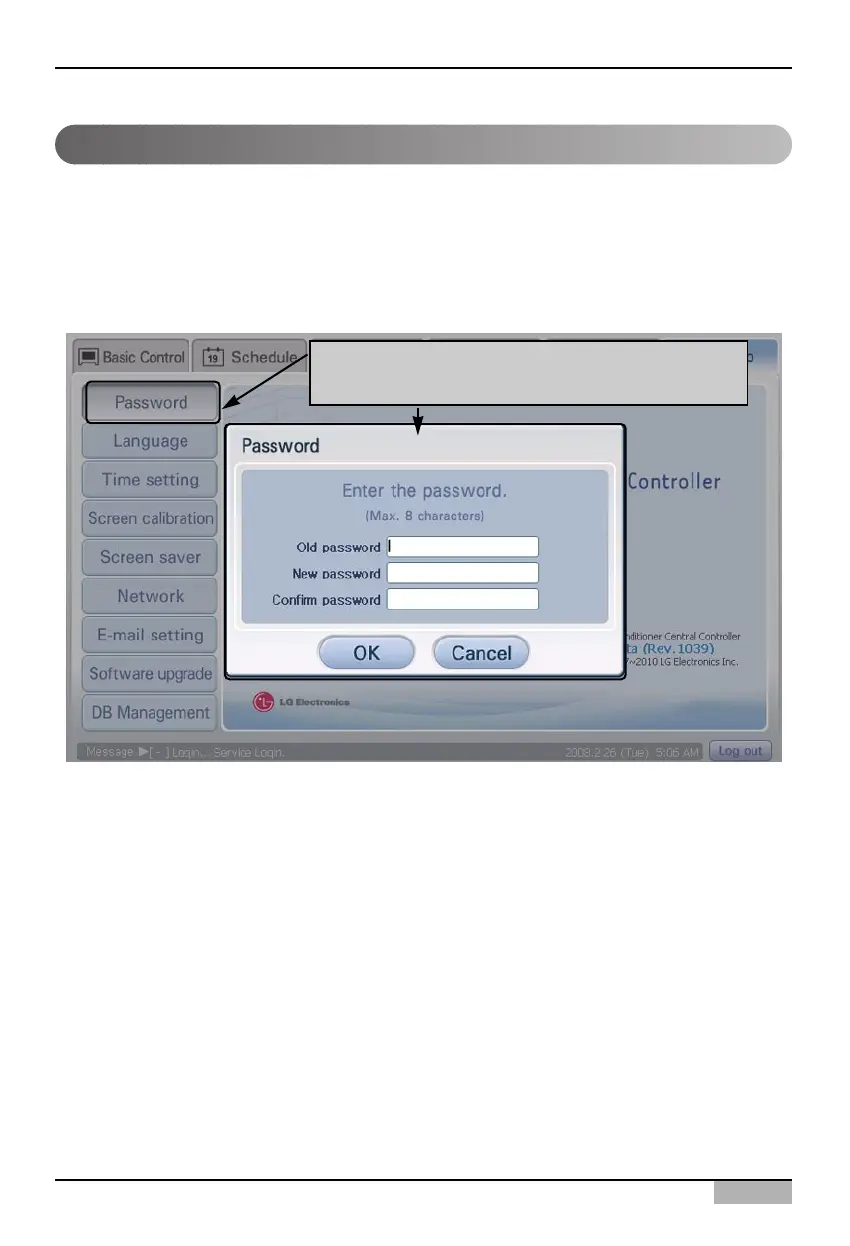
Keep the following steps to set a new password.
1. Select ‘Environment setting’ from the AC Smart menu. Press ‘Set Password’ menu from the sub-
menus at the left side. ‘Set the password’ screen is displayed for setting the password.
When 'Set the Password' menu is clicked, 'Set
the password' screen is displayed












 To Next Page