2. AC Smart Installation
Installation/Owner's Manual
2-20
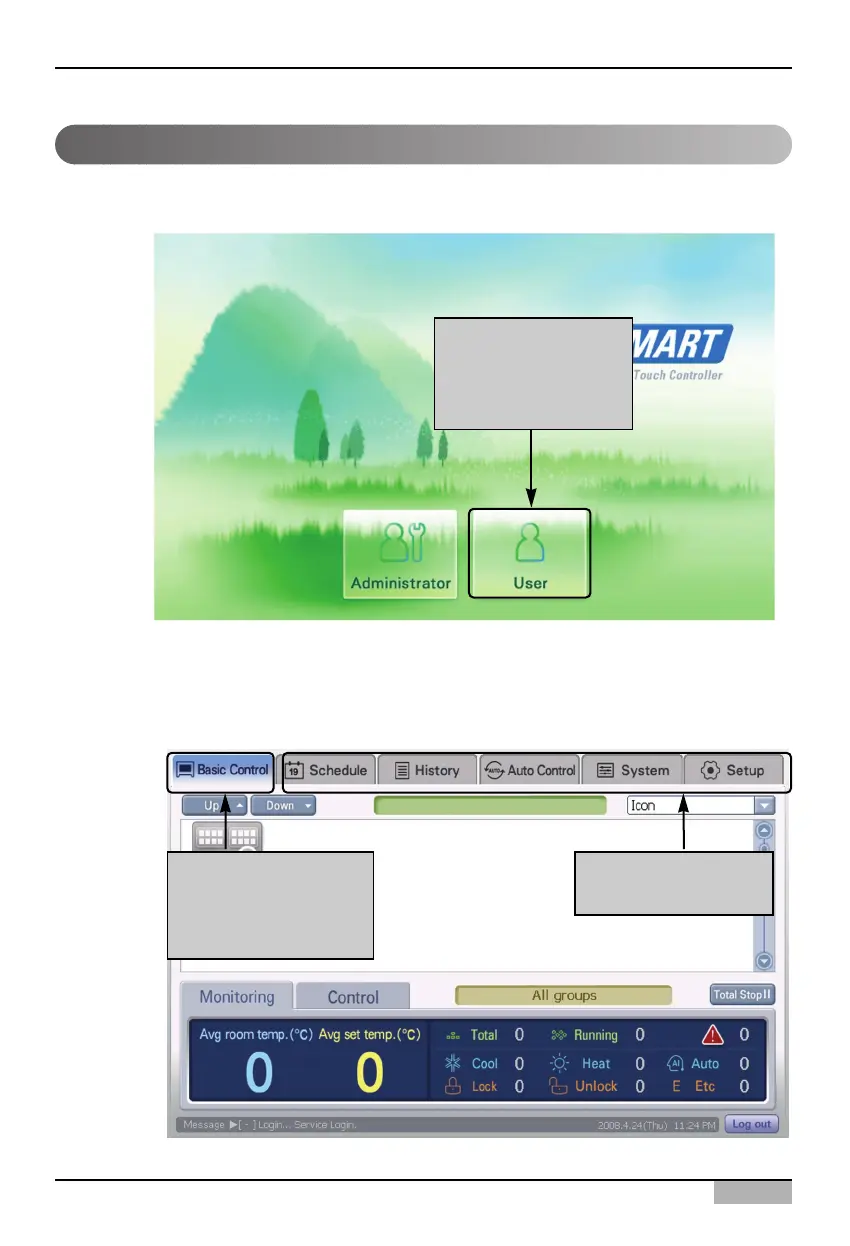
When you press ‘General user’ button, it is directly logged into the AC Smart with no password input
procedure.
When logged into the AC Smart, only the functions of the ‘Control/Monitoring’ menu can be used and
other menus cannot be selected.
Logging in as general user
Logging in with no
password input by
press [General user]
button
Possible to use only
the functions of
Control/Monitoring
menu
Impossible to select
other menus












 To Next Page