4. Operating AC Smart
Installation/Owner's Manual
4-133
Managing the unit
This section describes how to compose and manage the units as follows.
• Setting the unit
• Newly registering the unit
Resetting the unit
To reset the unit, proceed in the following order.
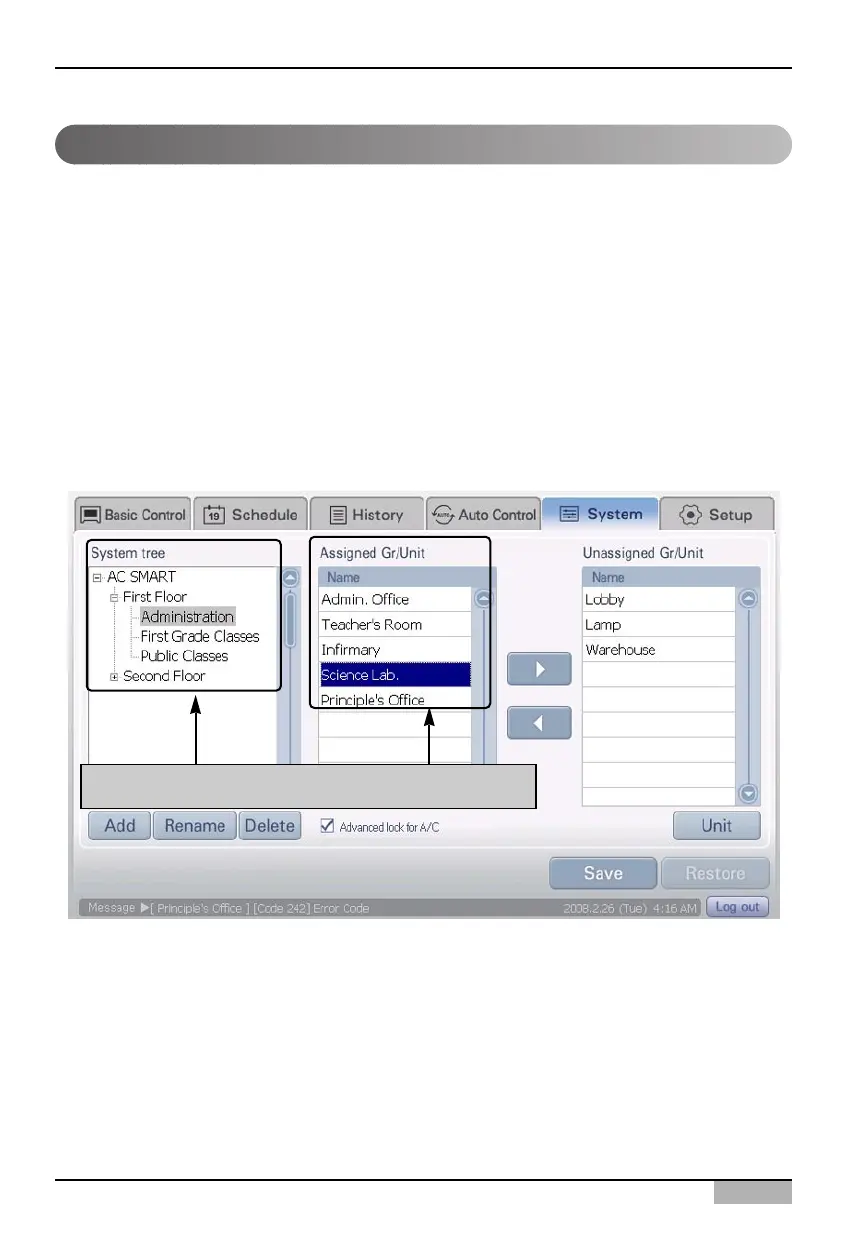
1. Select the 'Setting' menu from the menu of AC Smart. When you select the 'Setting' menu, the
following screen is displayed. Click on the name of the group to reset the unit from the 'System
tree'. The unit included in the applicable group will be displayed in the 'Registered unit' list. Select
the unit to reset.
After selecting group, select the unit to reset












 To Next Page