4. Operating AC Smart
Installation/Owner's Manual
4-95
The time-limited running group is the set of units (air conditioner, ventilator, On/Off device) applying
the same setting. Here, the method to set the time-limited running group is described.
Creating the time-limited running group
Perform the following steps to create a new time-limited running group.
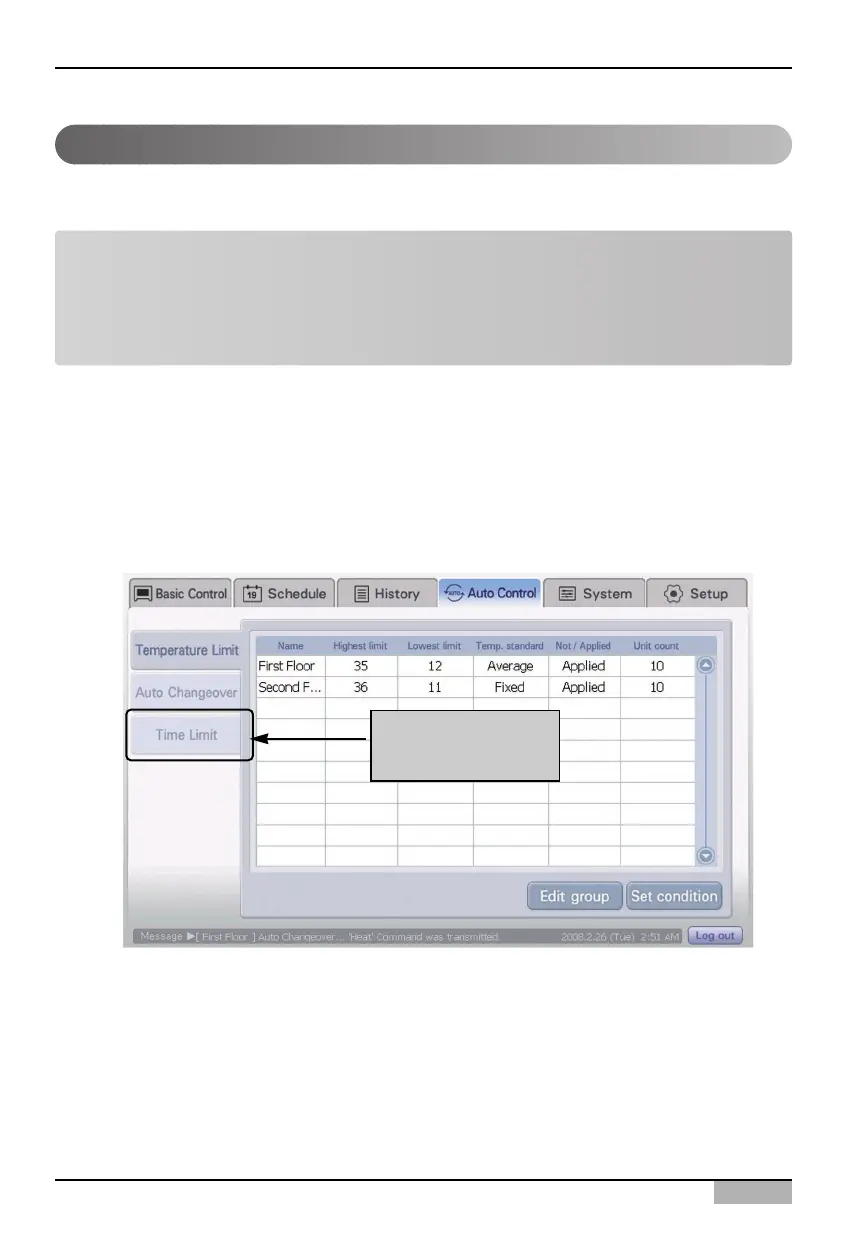
1. Select ‘Automatic control’ menu from the AC Smart menu. When ‘Automatic control’ menu is
selected, the following Automatic control screen is displayed. Press ‘Time-limited running’ at the
sub-menu at the left side of the screen.
Managing the time-limited running group
Click [Time-limited
running] menu
Note: Time-limited running group
It is the group performing the function different from Control group, Schedule group, Temperature-
limited running group, and Automatically switched running group. It is used for applying the time-
limited running function only and the units included at the time-limited running group may not be
overlapped with the configuration of other groups.












 To Next Page