3. AC Smart Menu
AC Smart
3-40
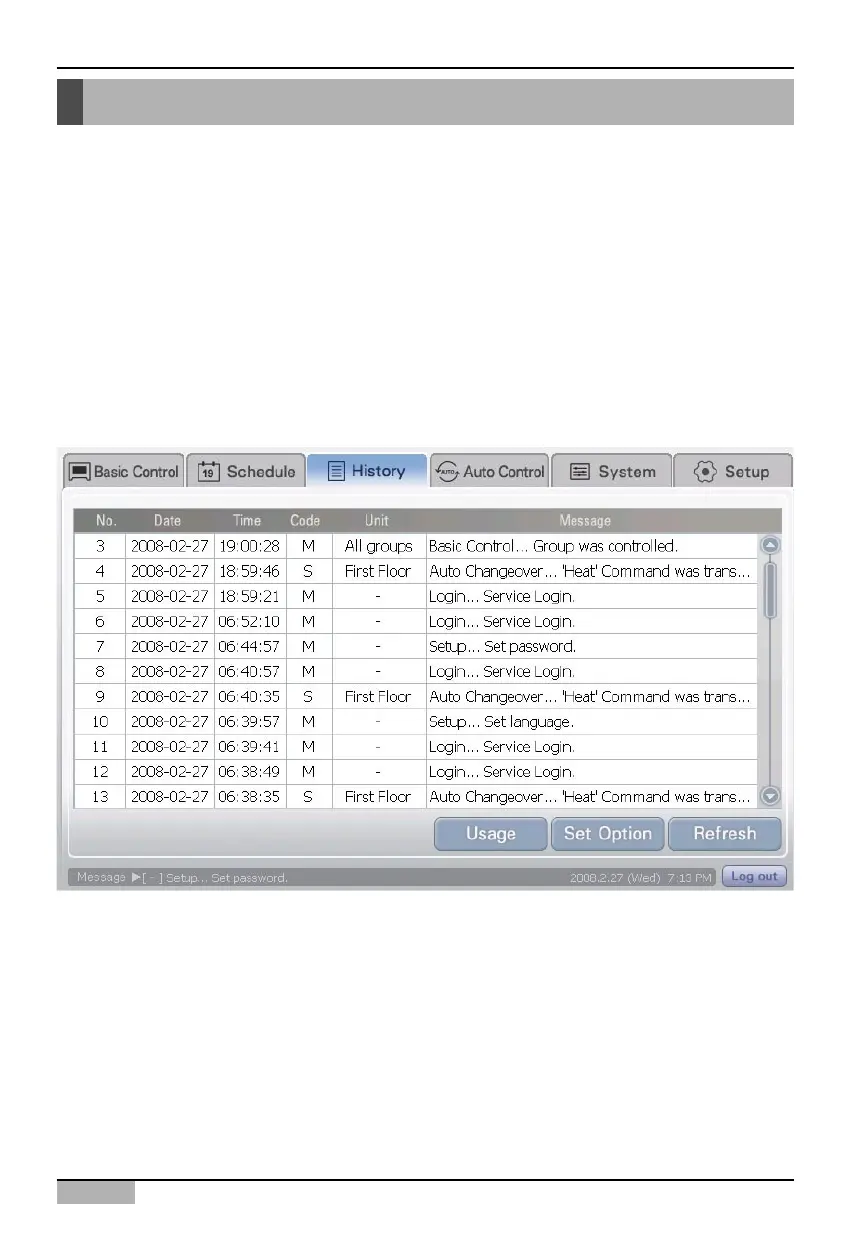
You can view the history information about the occurred event and the usage information by zone,
group and unit at the History menu.
In history, the following setting or condition is recorded.
• When the user directly sets or changes the function of indoor unit and ventilator
• When the reservation information such as schedule is set or operated
• When the auto operation function such as Auto change over operation or temperature limit
operation is executed and completed
• When there is an error in the indoor unit or ventilator
• When controlling and monitoring AC Smart by accessing remotely
When you select the history menu, the following screen is displayed.
History menu












 To Next Page