3. AC Smart Menu
Installation/Owner's Manual
3-39
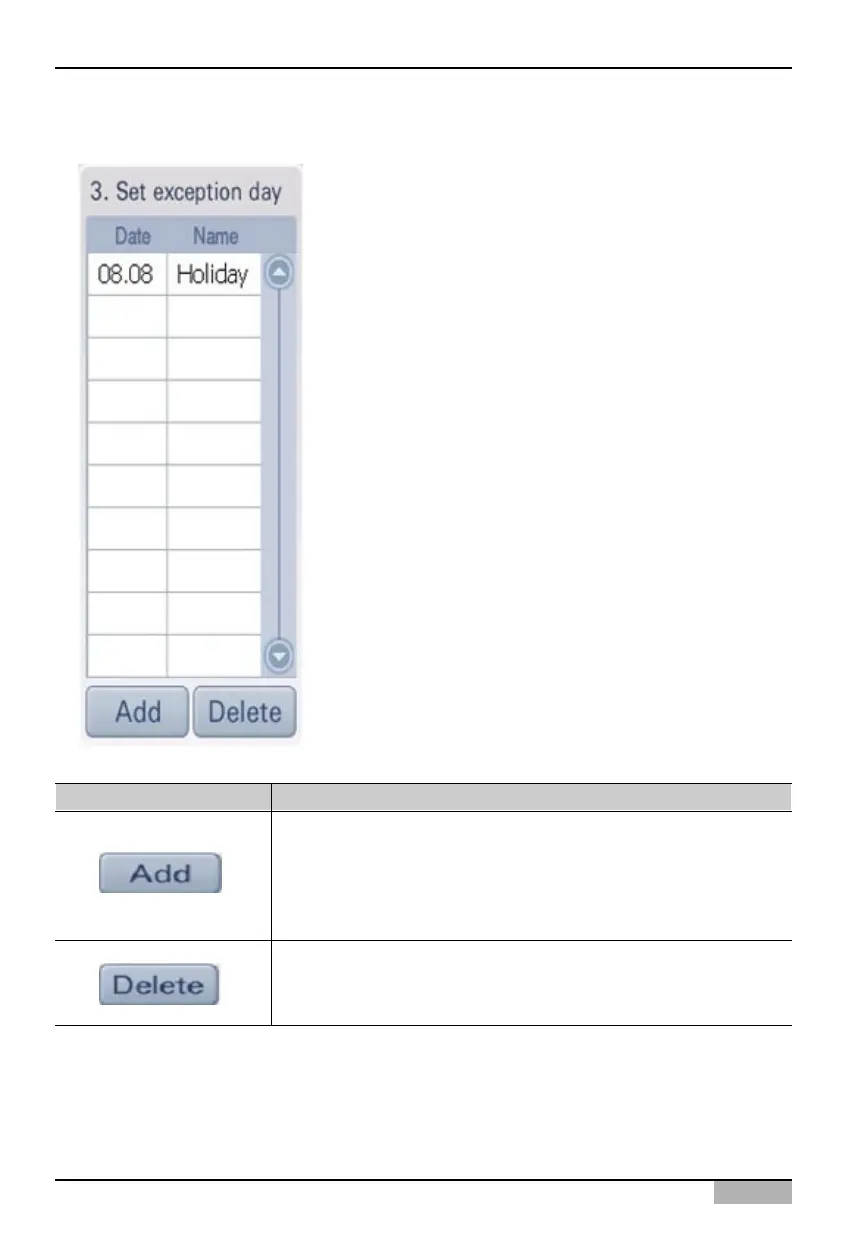
3. Exception day setting
In '3. Exception day setting', the list of applied exception day is
shown and you can add or delete the set exception day. At the
bottom of '3. Exception day setting', there are 2 buttons as
follows.
Button Description
You can set a new exceptional date. When you select the day to be
set as exceptional date at ‘2. Edit and Save the schedule in detail’ and
press [Add] button, ‘Add the exceptional date’ screen is displayed.
When you enter the name and press [Confirm] button, the said date is
set as exceptional date.
You can delete the previously created exceptional date.
When you select the exceptional date to delete and press [Delete]
button, the said exceptional date is deleted.












 To Next Page